Operating Instructions Administrator Reference 2
178
Changing the PCL Menu
The following example describes changing the setting for "Orientation".
A
AA
A
Press the {
{{
{User Tools/Counter}
}}
} key.
B
BB
B
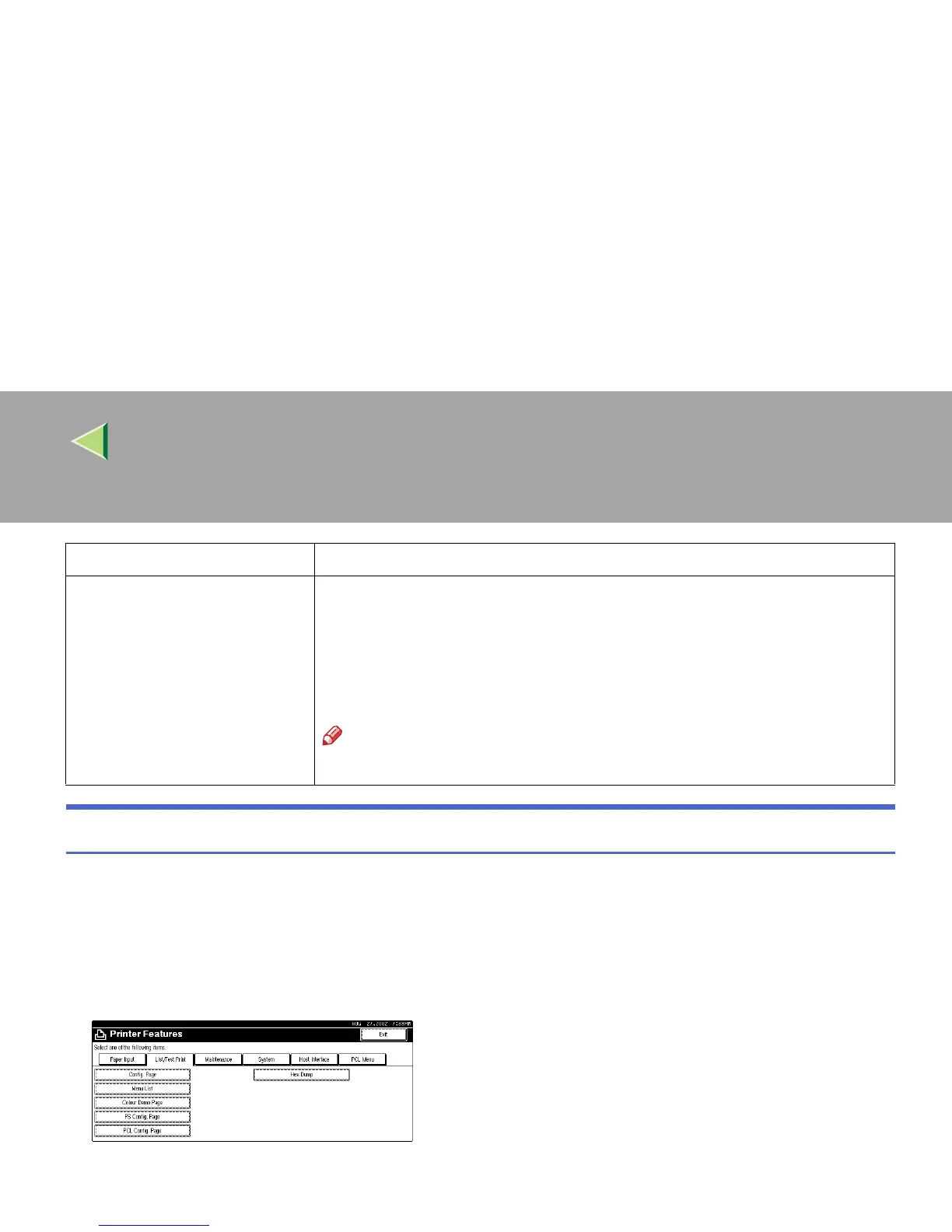
Press [Printer Features].
C
CC
C
Press [PCL Menu].
Symbol Set You can specify the set of print characters for the default font. The available op-
tions are as follows.
Roman-8, ISO L1, ISO L2, ISO L5, PC-8, PC-8 D/N, PC-850, PC-852, PC8-TK,
Win L1, Win L2, Win L5, Desktop, PS Text, VN Intl, VN US, MS Publ, Math-
8, PS Math, VN Math, Pifont, Legal, ISO 4, ISO 6, ISO 11, ISO 15, ISO 17, ISO
21, ISO 60, ISO 69, Win 3.0
Note
❒ Default: Roman-8
Menu Description



 To Next Page