Connecting the Machine
17
2
C
CC
C
Connect the other end of the cable to the interface connector of the host
computer.
Reference
For more information about settings for printing with a parallel connec-
tion, see Printer Client Reference 1.
Connection to IEEE 1394 Interface
If the 1394 Interface Unit is installed, you can connect the IEEE 1394 interface ca-
ble to the machine.
Important
❒ To avoid electrical interference, use a shielded cable.
Limitation
❒ The IEEE 1394 interface can be used only with Windows 2000.
A
AA
A
Turn off the computer power.
B
BB
B
Turn off the main power switch.
Important
❒ Before turning off the main power switch, see p.19 “Turning On/Off the
Power”.
C
CC
C
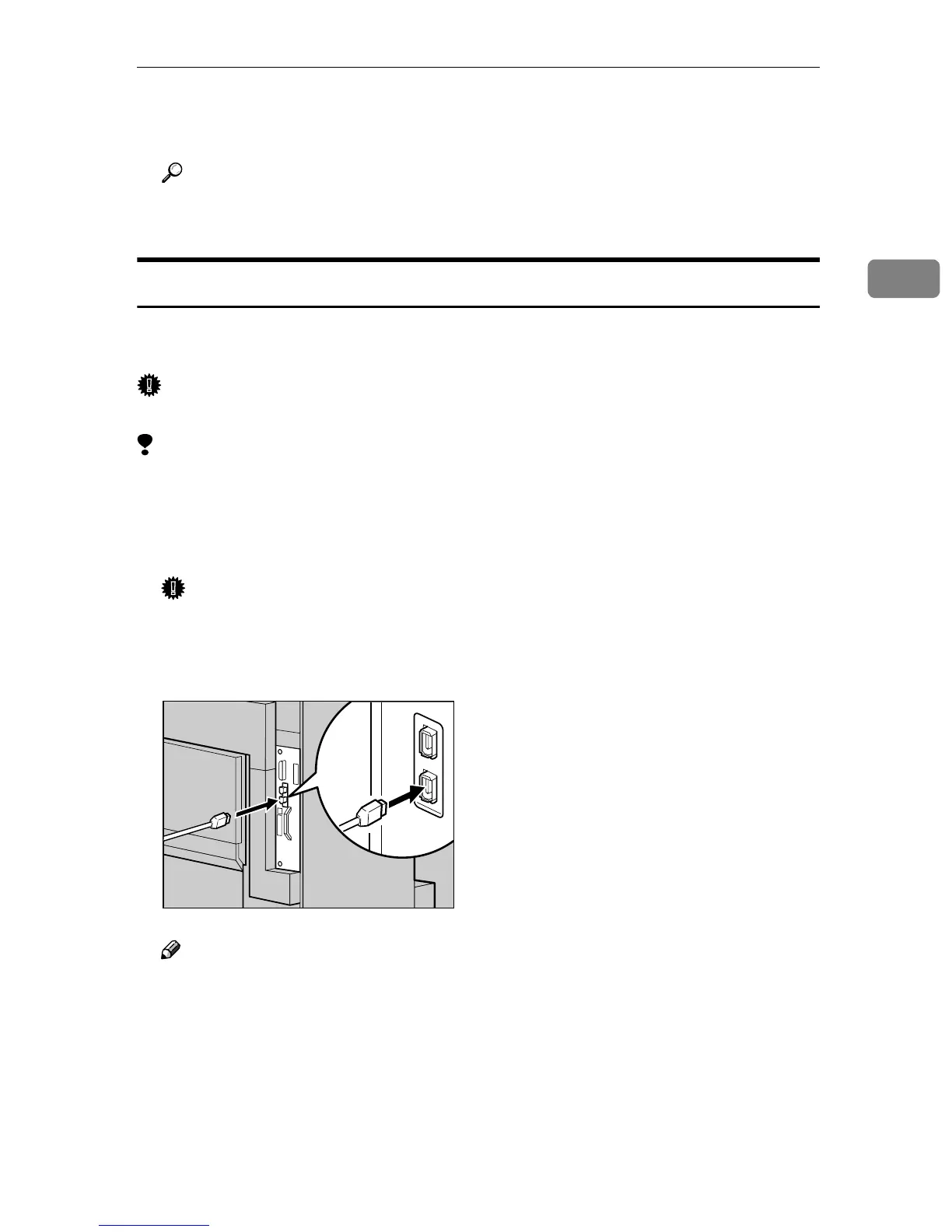
Connect the interface cable to the 1394 Interface Unit.
Note
❒ Either connector can be used.
D
DD
D
Connect the other end of the IEEE 1394 Interface cable to the computer.
E
EE
E
Turn on the main power switch.
ZDJP500J



 To Next Page