Zoom
41
1
Zoom
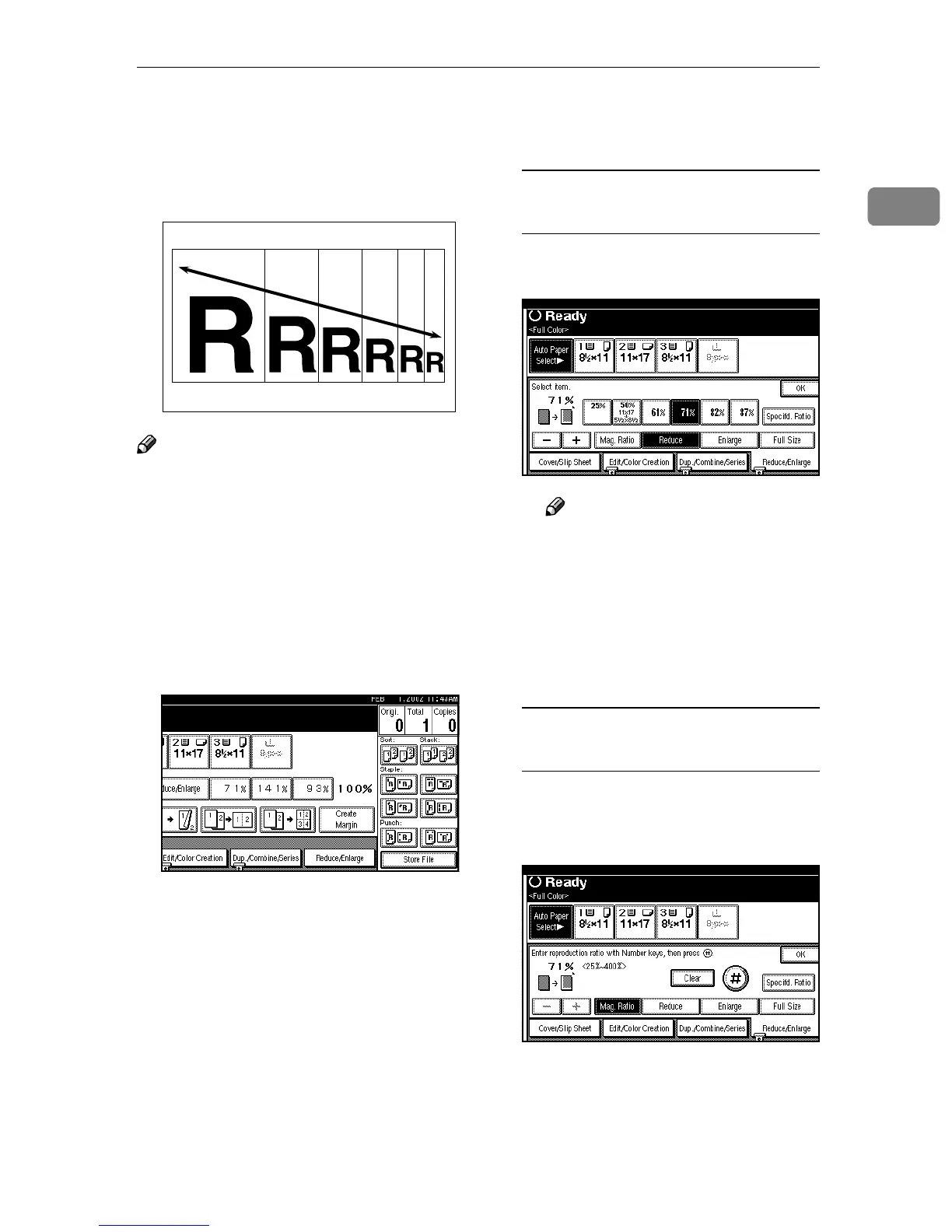
You can change the reproduction ra-
tio in 1% steps.
Note
❒ You can select a ratio regardless of
the size of an original or copy pa-
per. With some ratios, parts of the
image might not be copied or mar-
gins will appear on copies.
❒ You can select a preset ratio which
is near the desired ratio, and then
adjust the ratio with [n
nn
n] or [o
oo
o].
A
AA
A
Press [Reduce/Enlarge].
B
BB
B
Enter the ratio.
To select the ratio with [n
nn
n] and
[o
oo
o]
A Adjust the ratios with [n
nn
n] or
[o
oo
o].
Note
❒ To change the ratio in 1%
steps, just press [n
nn
n] or [o
oo
o].
To change the ratio in 10%
steps, press and hold down
[n
nn
n] or [o
oo
o].
❒ To change the ratio entered,
press [n
nn
n] or [o
oo
o] again.
To enter the ratio with the number
keys
A Press [Mag. Ratio].
B Enter the desired ratio with the
number keys.



 To Next Page