Operating Instructions Copy Reference <Advanced Features>
95
C
CC
C
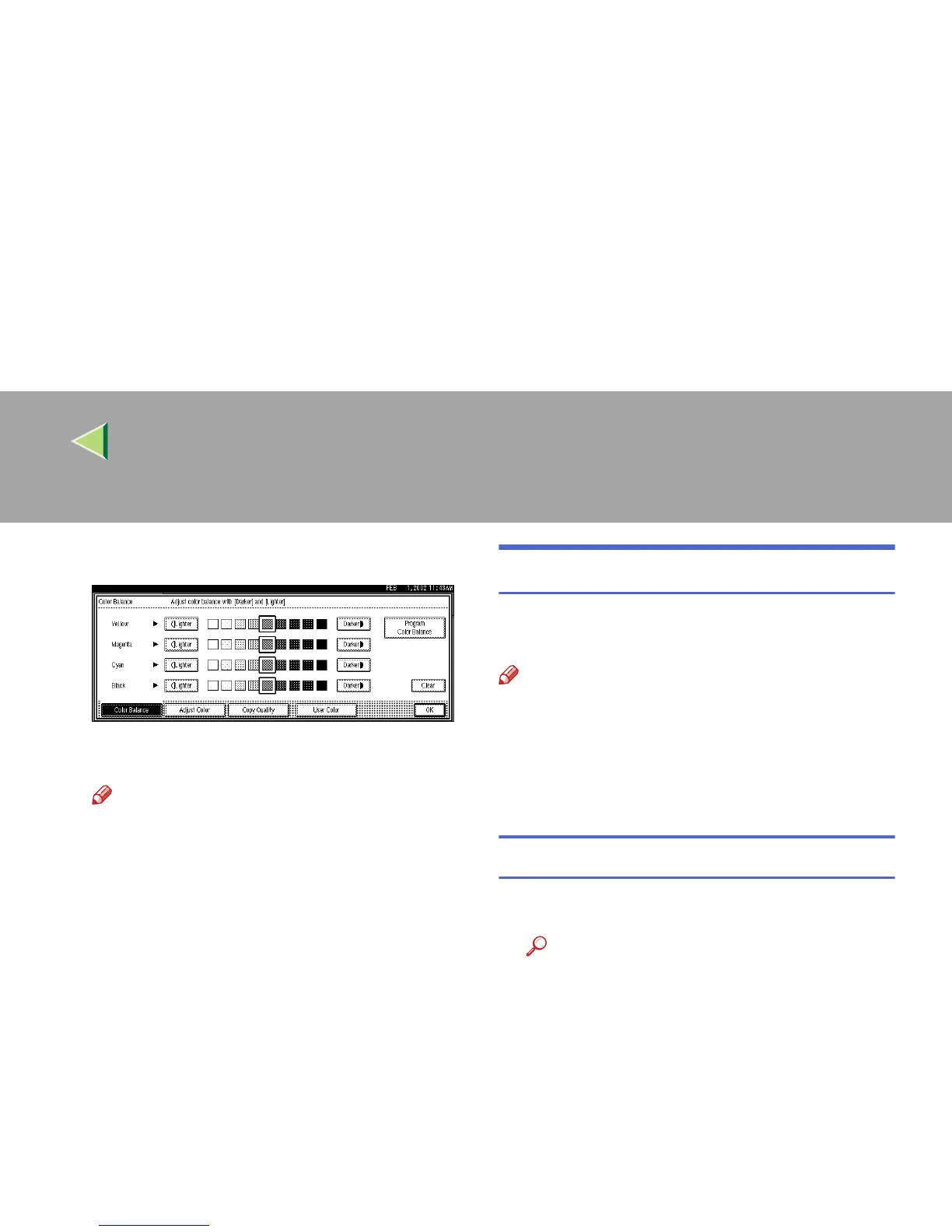
Adjust by pressing [
Lighter
] or [
Darker
].
D
DD
D
Press [
OK
].
Note
❒ The Adjust/Program Color indicator will
light up, when adjusting the color balance.
❒ The adjusted settings will be deleted and
the initial values will return when Auto
Clear has been performed, the {
{{
{Clear
Modes}
}}
} key has been pressed, or when the
power has been turned off.
Color Balance Program
You can also store the color balance setting in
memory and recall it when you want to use it.
Note
❒ You can store up to 3 contents.
❒ If you want to change the settings, make sure
to correctly register them one more time. The
previously registered contents will then be
changed.
Storing the Adjusted Color Balance
A
AA
A
Change the color balance.
Reference
⇒ p.94 “Color Balance”



 To Next Page