Operating InstructionsFacsimile Reference (option) <Advanced Features>
200
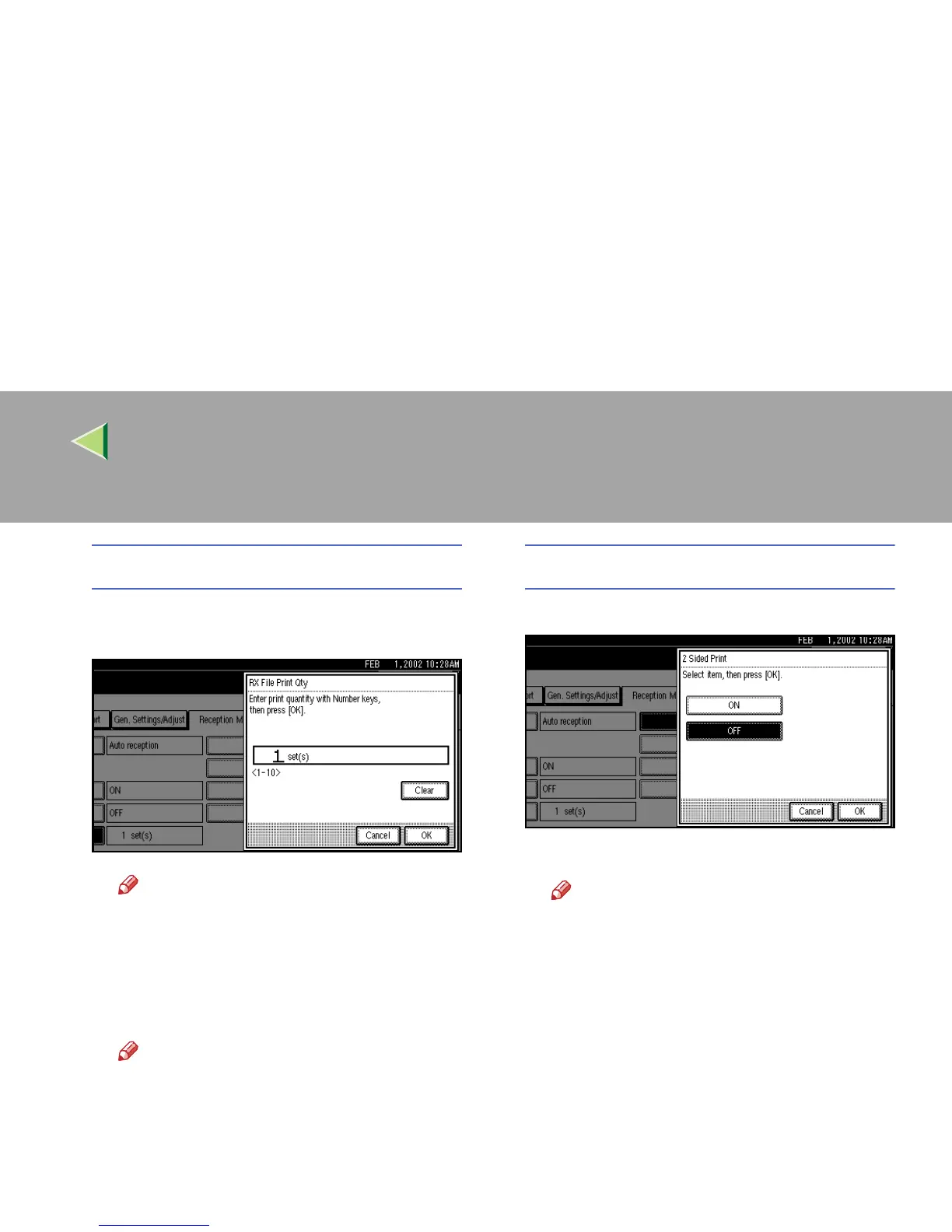
RX File Print Qty
A
AA
A Specify the print quantity with the num-
ber keys.
Note
❒ If you make a mistake, press [
Clear
] or
the {
{{
{Clear/Stop}
}}
} key and try again.
❒ The range of available print quantities
is 1 to 10.
B
BB
B Press [OK].
Note
❒ To cancel this setting, press [
Cancel
].
2 Sided Print
A
AA
A Select [ON] or [OFF].
B
BB
B Press [OK].
Note
❒ To cancel this setting, press [
Cancel
].



 To Next Page