Operating InstructionsFacsimile Reference (option) <Advanced Features>
145
Page Separation and Length
Reduction
When the size of a received message is longer
than the paper loaded in the machine, each page
of the message can be split and printed on several
sheets, or reduced and printed on a single sheet.
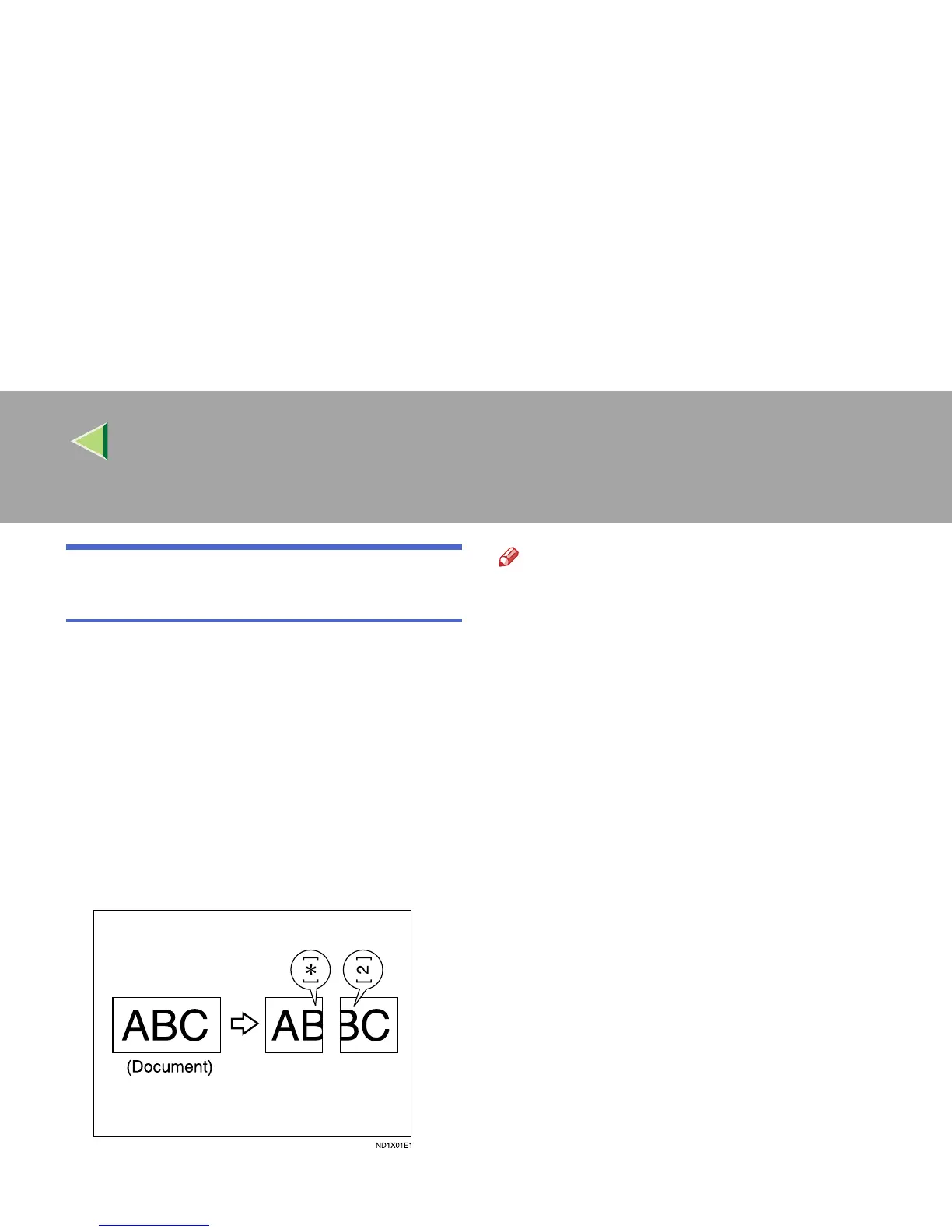
For example, this feature splits the message if the
message length is 20mm (0.79") or longer than
the paper used. The message is reduced if it is
less than 20mm (0.79") longer. When a message
is split, the split mark (*) is inserted at the split
position and about 10mm (0.39") of the split area
is duplicated on the top of the second sheet.
Note
❒ Your service representative can customize
this feature with the following settings.
• Reduction
• Print split mark
• Overprinting
• Overprinting length
• Guideline for split
❒ You can adjust the overprinting and reduction
lengths within the following ranges:
• Overprinting length: 4mm (0.16"), 10mm
(0.39"), 20mm (0.79")
• Guideline for split: 0∼155mm (5mm
steps)/0∼6.1" (0.2" steps)



 To Next Page