Operating InstructionsFacsimile Reference (option) <Advanced Features>
161
D
DD
D
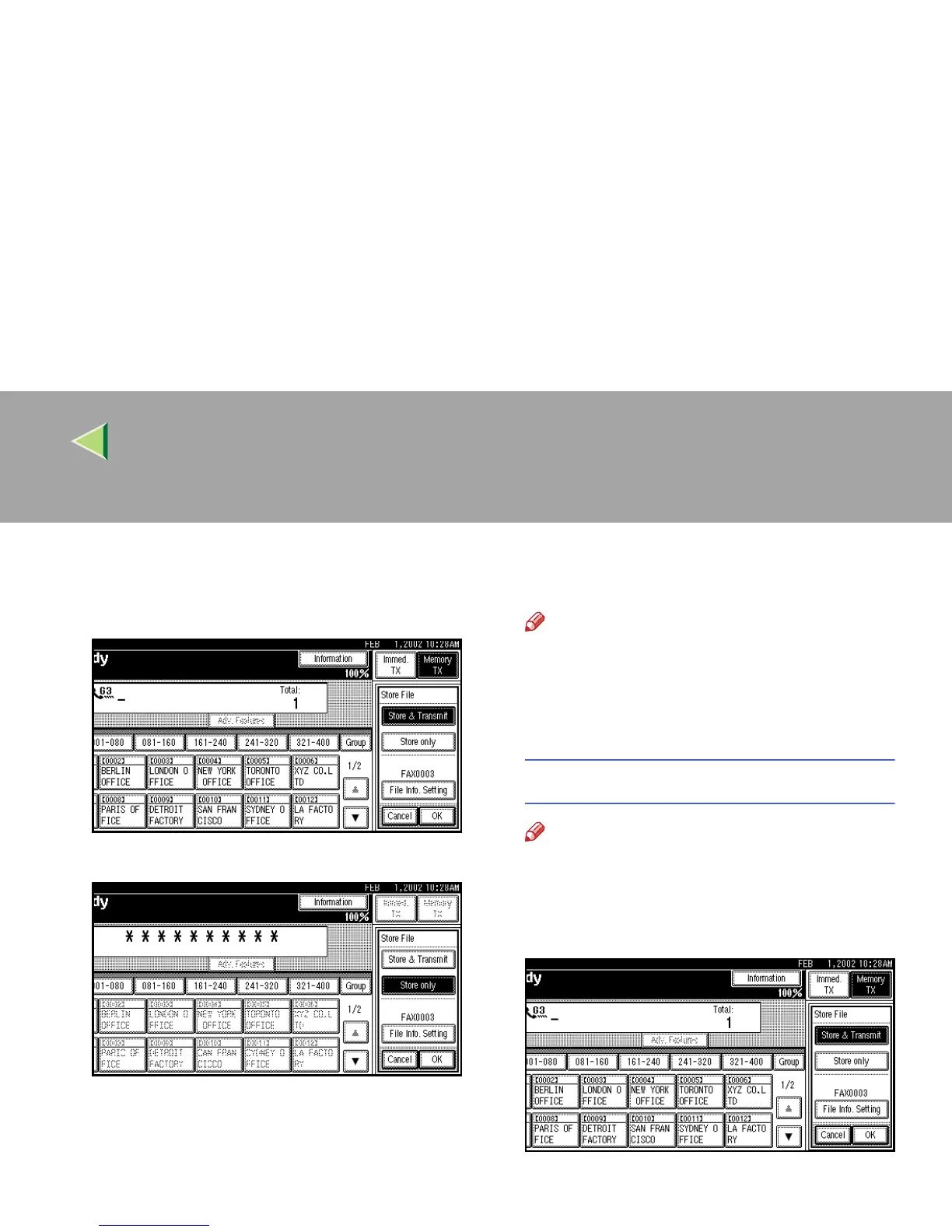
Select [Store & Transmit] or [Store only].
Select [Store & Transmit] to send documents
after they are stored.
Select [Store only] to store documents.
When [Store only] is selected, “pp pp -
pppppp” is shown.
E
EE
E
Set the User Name, file name and password
if necessary.
Note
❒ If you are not going to set the User Name,
file name, or password, go to step
F
.
❒ You cannot change multiple documents at
once.
Programming a User Name
Note
❒ Set a User Name from those that are pro-
grammed in the User Code. Set the User
Codes in the “System Settings”.
A
AA
A Press [File Info. Setting].



 To Next Page