Operating Instructions Administrator Reference 2
244
Other Functions
Changing the Display Language
You can change the language used on the display.
The default setting is English.
A
AA
A
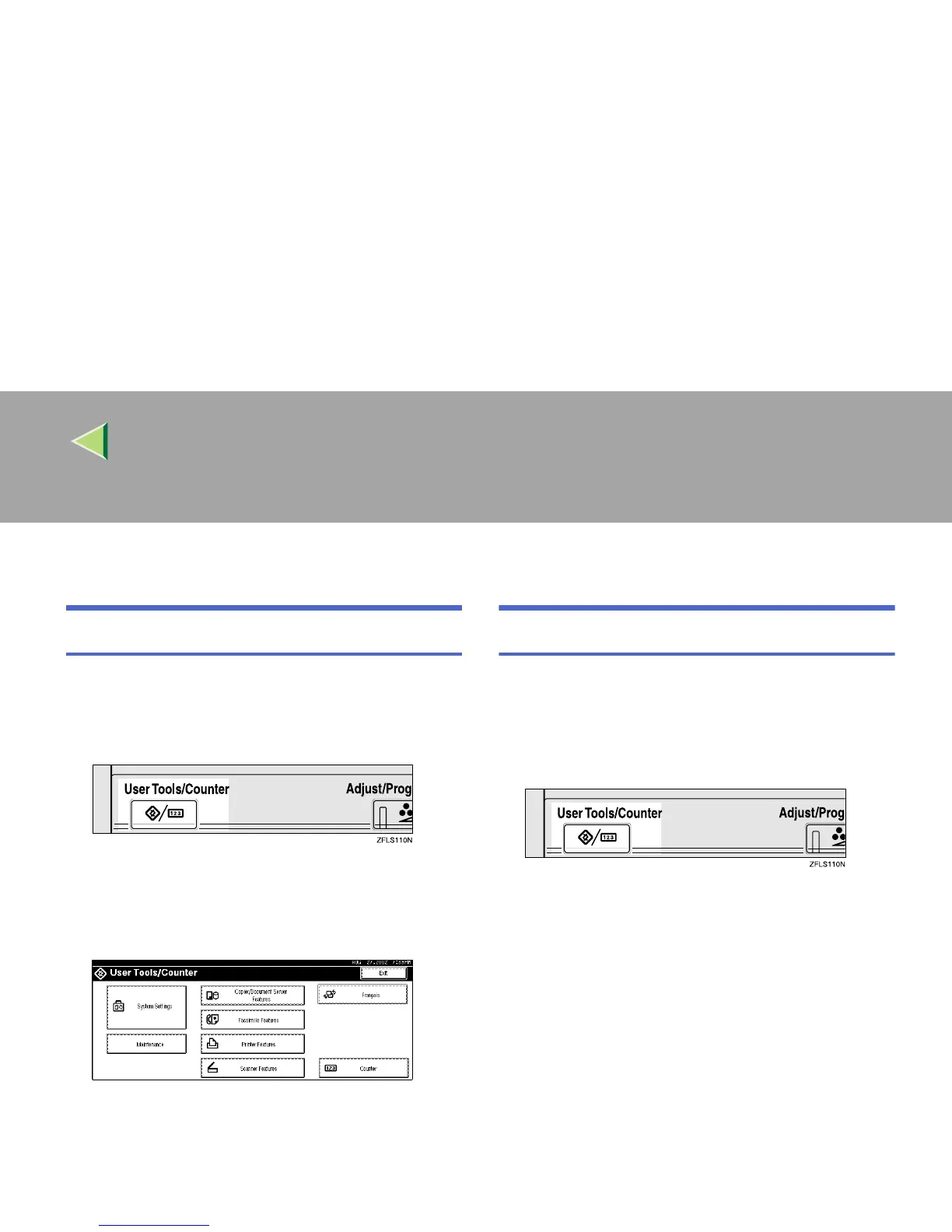
Press the {
{{
{User Tools/Counter}
}}
} key.
"User Tools/Counter" appears on the panel
display.
B
BB
B
Press [Francais].
The display language is changed to French.
Displaying the Total Counter
You can display the total number of sheets used
for all functions and total number of sheets used
for copying.
A
AA
A
Press the {
{{
{User Tools/Counter}
}}
} key.
"User Tools/Counter" appears on the panel
display.



 To Next Page