Entering Text
71
3
Entering Text
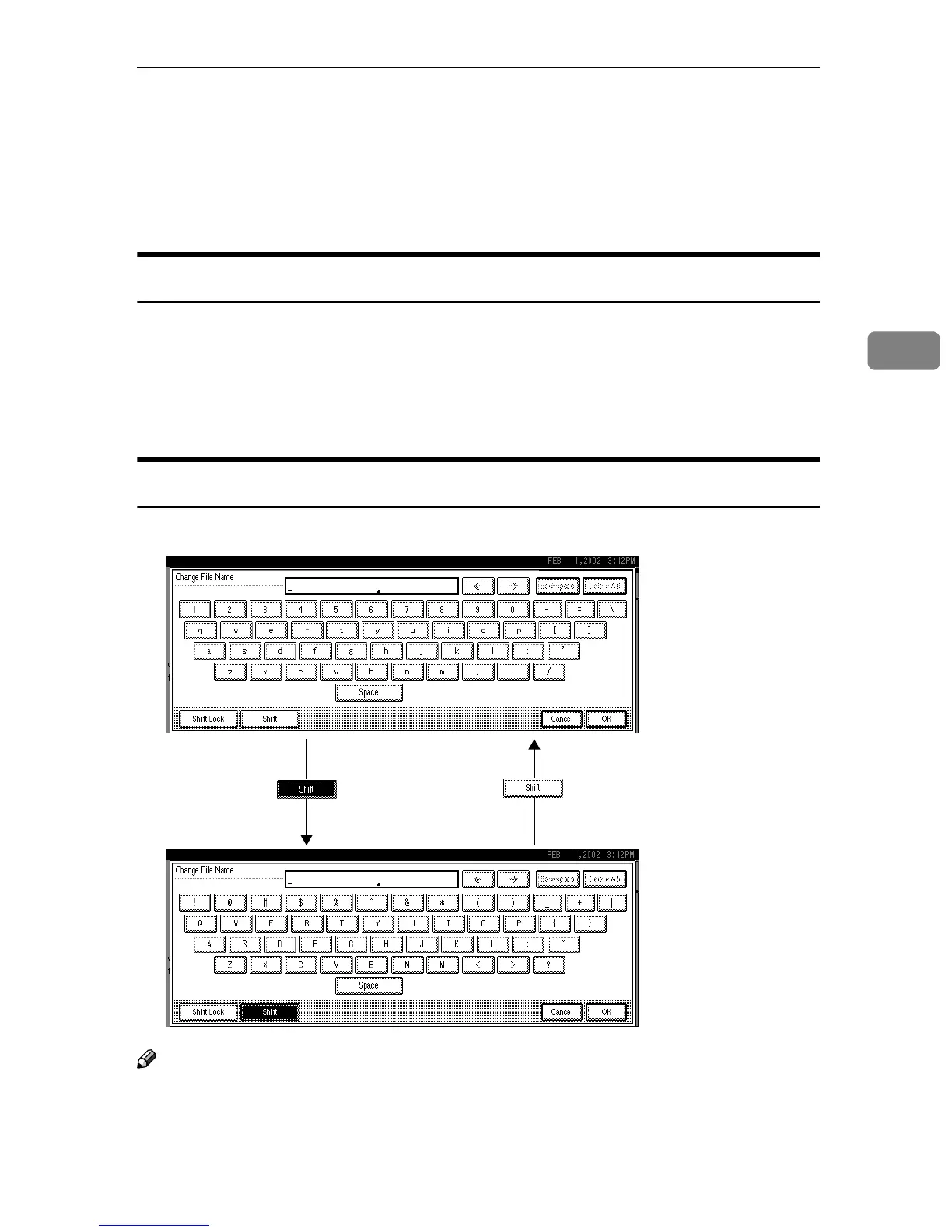
This section describes how to enter characters. When you enter a character, it is
shown at the position of the cursor. If there is a character at the cursor position,
the entered character is shown before the character.
Available Characters
• Alphabetic characters
ABCDEFGHIJKLMNOPQRSTUVWXYZabcdefghijklmnopqrstuvwxyz
• Symbols
• Numerals
0123456789
Keys
Note
❒ When entering uppercase or lowercase continuously, use [Shift Lock] to lock
the case.



 To Next Page