Placing Originals
21
2
B
BB
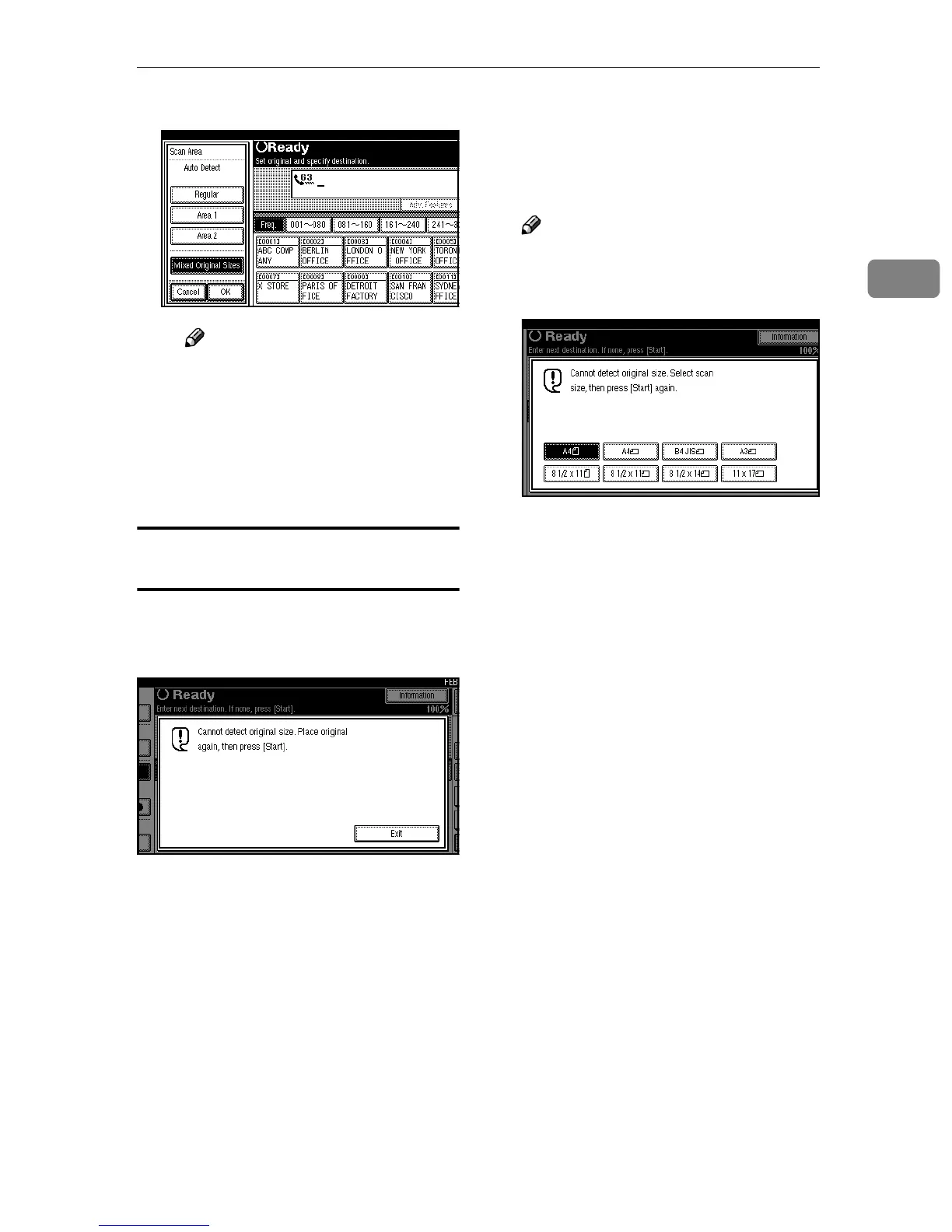
B Press [OK].
Note
❒ To cancel the mixed original
size, press [Cancel]. The
menu returns to that of step
B
.
D
DD
D
Specify the receiver and press the
{
{{
{Start}
}}
} key.
If the Machine Cannot Detect the Size of
Your Original
If the machine cannot detect the orig-
inal size, the following display is
shown:
If this happens, carry out the follow-
ing steps.
A
AA
A
Press [Exit].
B
BB
B
Remove the original, and then re-
place it on the exposure glass.
C
CC
C
Press the {
{{
{Start}
}}
} key to scan the
original again.
If the above display appears again,
repeat steps
A
to
C
.
Note
❒ If the machine still cannot detect
the original size, the following
display is shown:
❒ If this happens, carry out the
following steps.
• Press the key to switch the
Scan Size.
• Press the {
{{
{Start}
}}
} key again.



 To Next Page