Operating Instructions Copy Reference <Advanced Features>
26
❖
❖❖
❖ Inch version
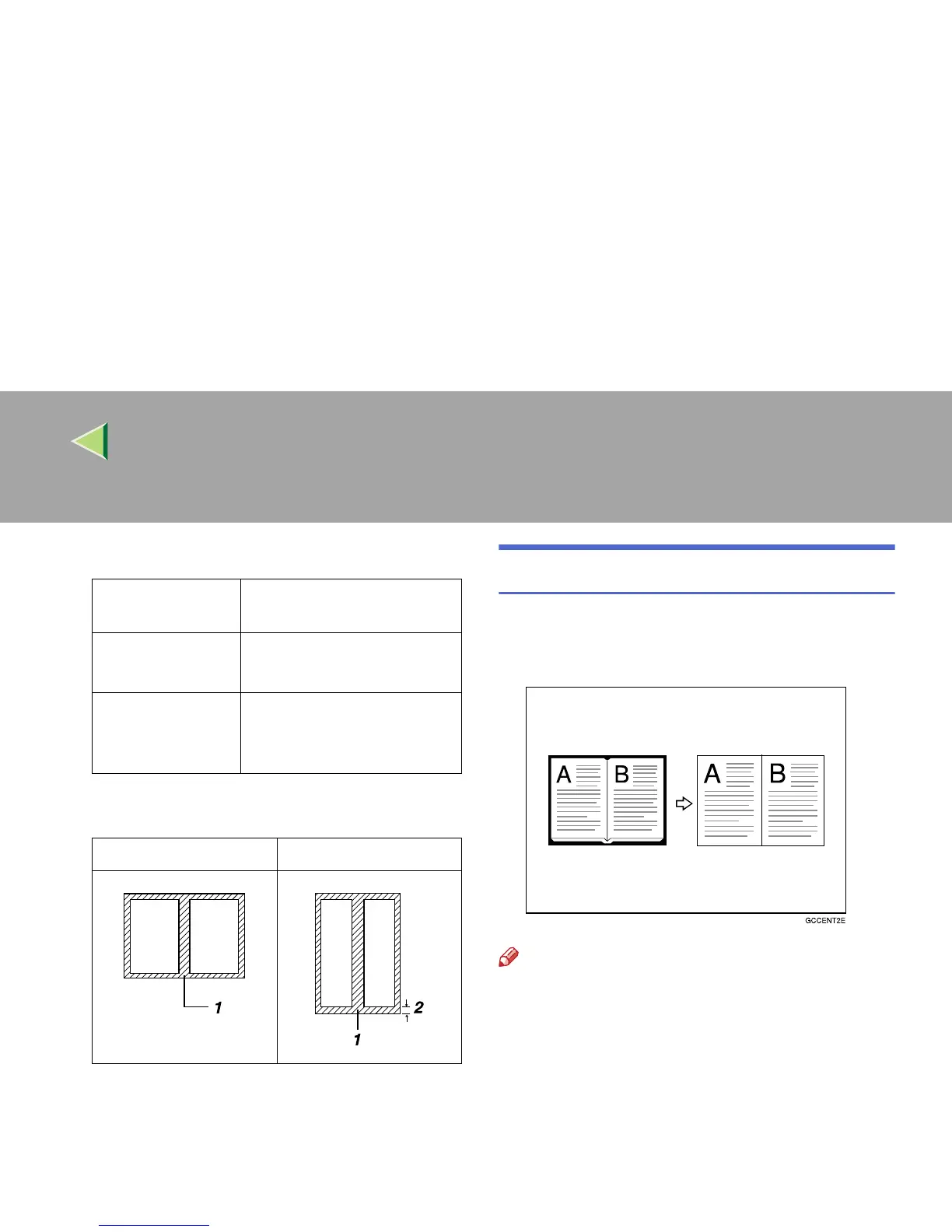
❒ The relationship between the original orienta-
tion and the erased part is as follows:
❒ 1: Erased part
❒ 2: 2–99mm (0.1"–3.9")
Border Erase
This function erases the edge margins. You can
set the same margin width for all four sides, or
you can set different margin widths for each side.
Note
❒ If you want to erase the cente rmargin too,
use the Center/Border Erase function. ⇒ p.29
“Center/Border Erase”
Where Original
Is Placed
Paper Size and Orientation
Exposure glass
11" × 17"L, 8
1
/
2
" × 14"L,
8
1
/
2
" × 11"KL
Optional docu-
ment feeder (ADF)
A4K, 11" × 17"L, 8
1
/
2
" ×
14"L, 8
1
/
2
" × 11"KL, US
EXEL
L original K original



 To Next Page