Operating Instructions Maintenance Guide 2 Copier System Edition
87
Removing Jammed Staples
When "Add Staples " appears on the panel dis-
play, or when the printer does not staple even af-
ter it is instructed to, the staples might be
jammed.
A
AA
A
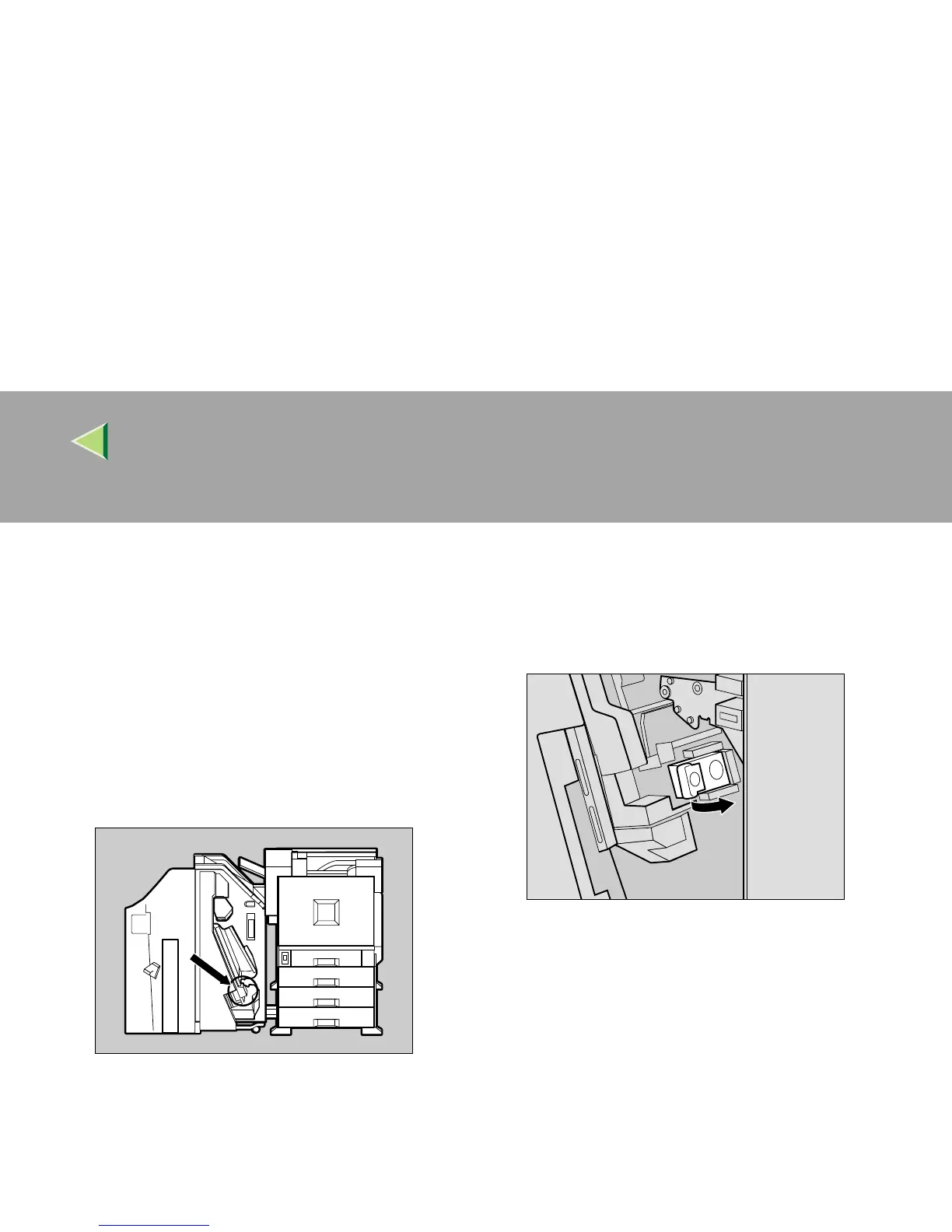
Open the front cover of the 2 Tray Finish-
er.
The stapler is attached to the position shown
in the illustration.
B
BB
B
Remove the cartridge by pulling the green
knob in the direction of the arrow.
ZDJP216J
ZDJP217J



 To Next Page