Operating Instructions Scanner Reference
25
Using the Document Server
If the Document Server is used with the network delivery scanner, perform steps C to E on p.23 “Us-
ing as a Network Delivery Scanner” after performing the steps below.
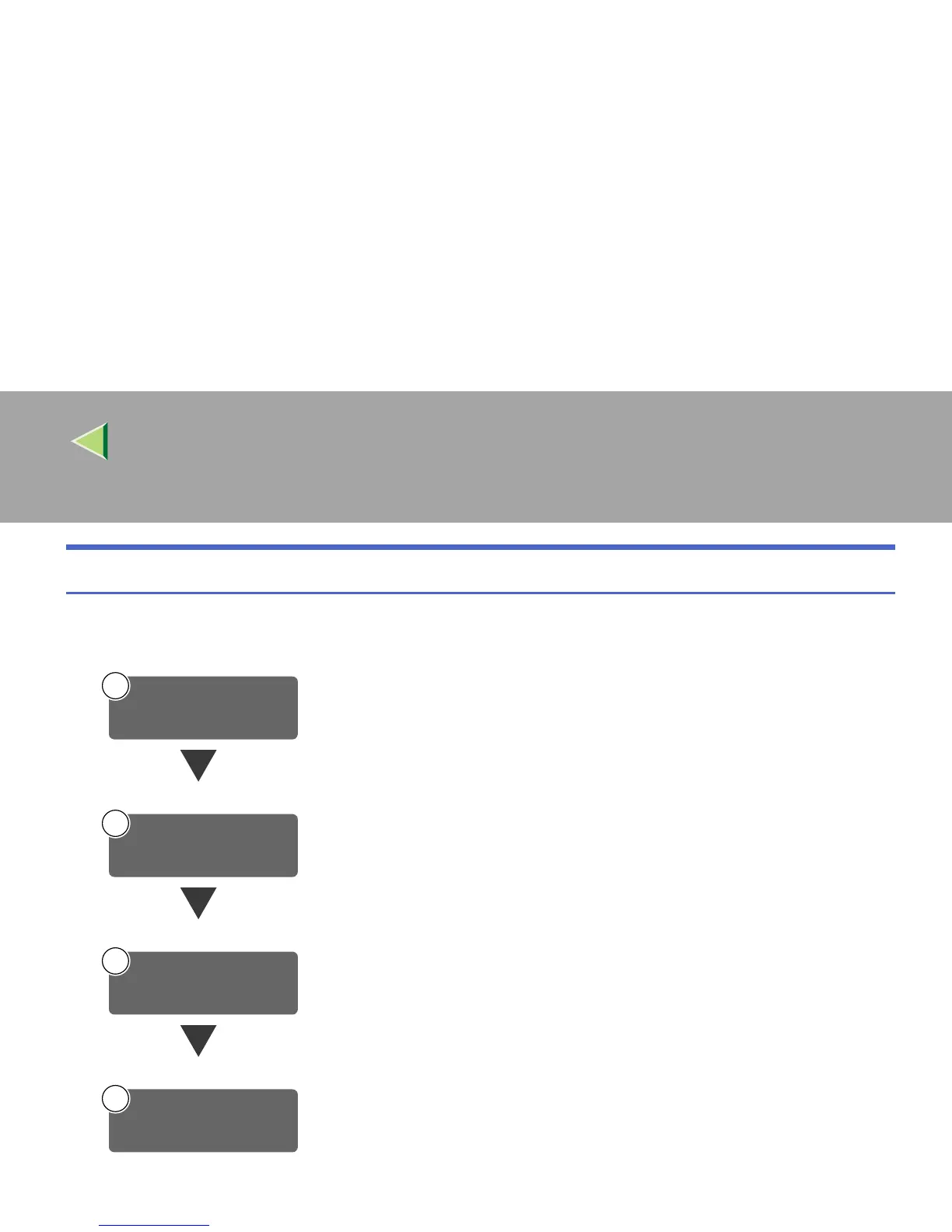
Connect the machine to the network with an Ethernet cable.
⇒Administrator Reference 1
Check the network settings in System Settings, and change if required.
⇒Administrator Reference 1
Make settings for the Document Server, such as the setting of the scanning fea-
ture and original orientation priority information.
⇒ p.26 “Initial Scanner Setup”
On the client computers, install the software required for viewing the docu-
ments stored in the Document Server, such as DeskTopBinder V2 Lite.
⇒ p.47 “DeskTopBinder V2 Lite”
Connect to Network
1
Make System Settings
2
3
Make Scanner
Settings
4
Install Software



 To Next Page