Operating Instructions Scanner Reference
24
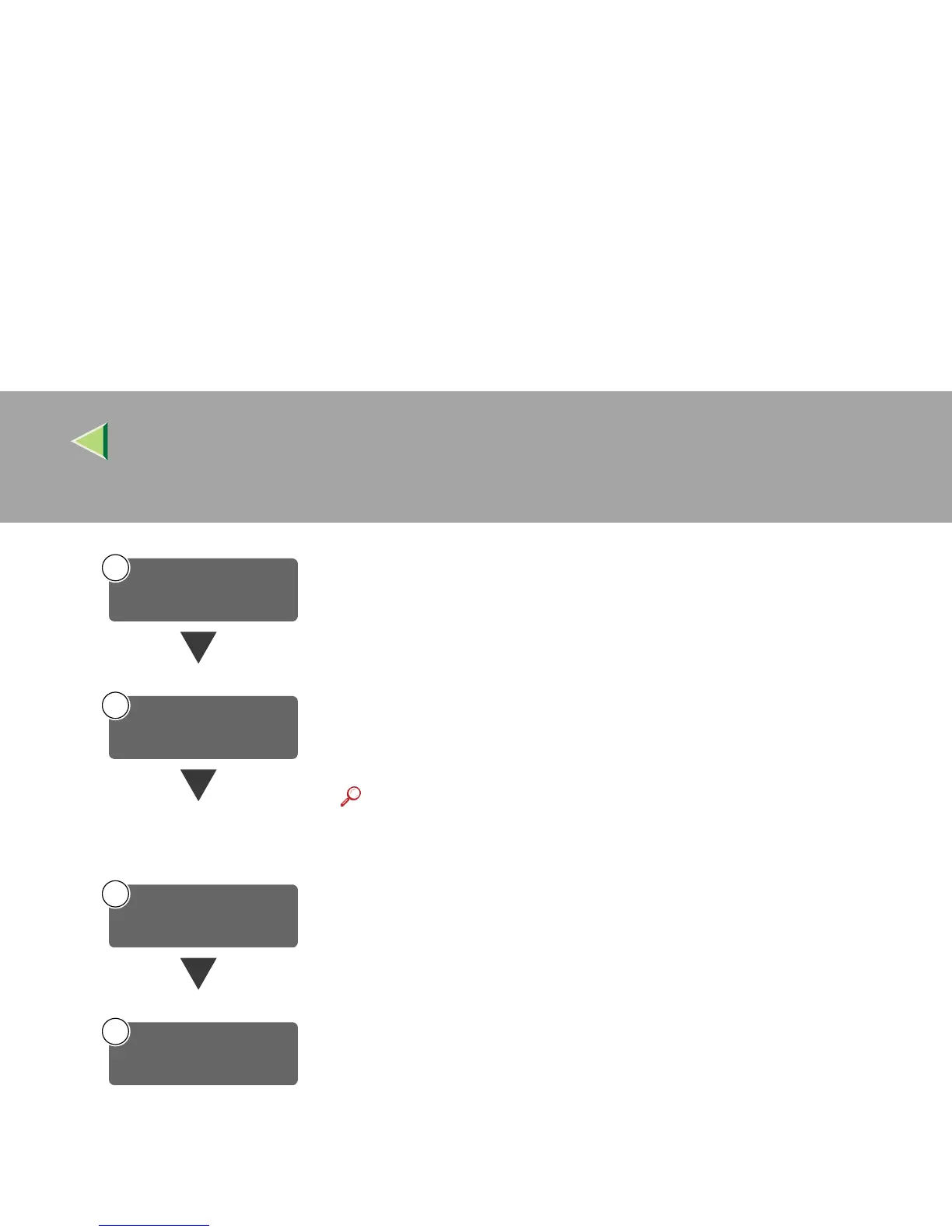
Make settings for the network delivery scanner, such as the settings of the scan-
ning feature and subject information.
⇒ p.26 “Initial Scanner Setup”
Install the software required for using the network delivery scanner functions,
such as ScanRouter V2 Lite on the delivery server. Then, make the required
settings for server maintenance and delivery service.
⇒ p.45 “Software for using a Network Delivery Scanner”
Reference
❒ For information about ScanRouter V2 Lite, see the ScanRouter
V2 Lite manual. ⇒ p.7 “Manuals for This Machine”
Use ScanRouter V2 Administration Utility to set the destination and sender in-
formation.
On the client computers, install the software required for viewing or auto-re-
ceiving documents by connecting to the delivery server, such as DeskTopBind-
er V2 Lite.
⇒ p.47 “DeskTopBinder V2 Lite”
3
Make Scanner
Settings
4
Install Delivery
Software
Set Destination and
Sender Information
5
6
Install Client Computer
Software



 To Next Page