Guide to the Machine
8
1
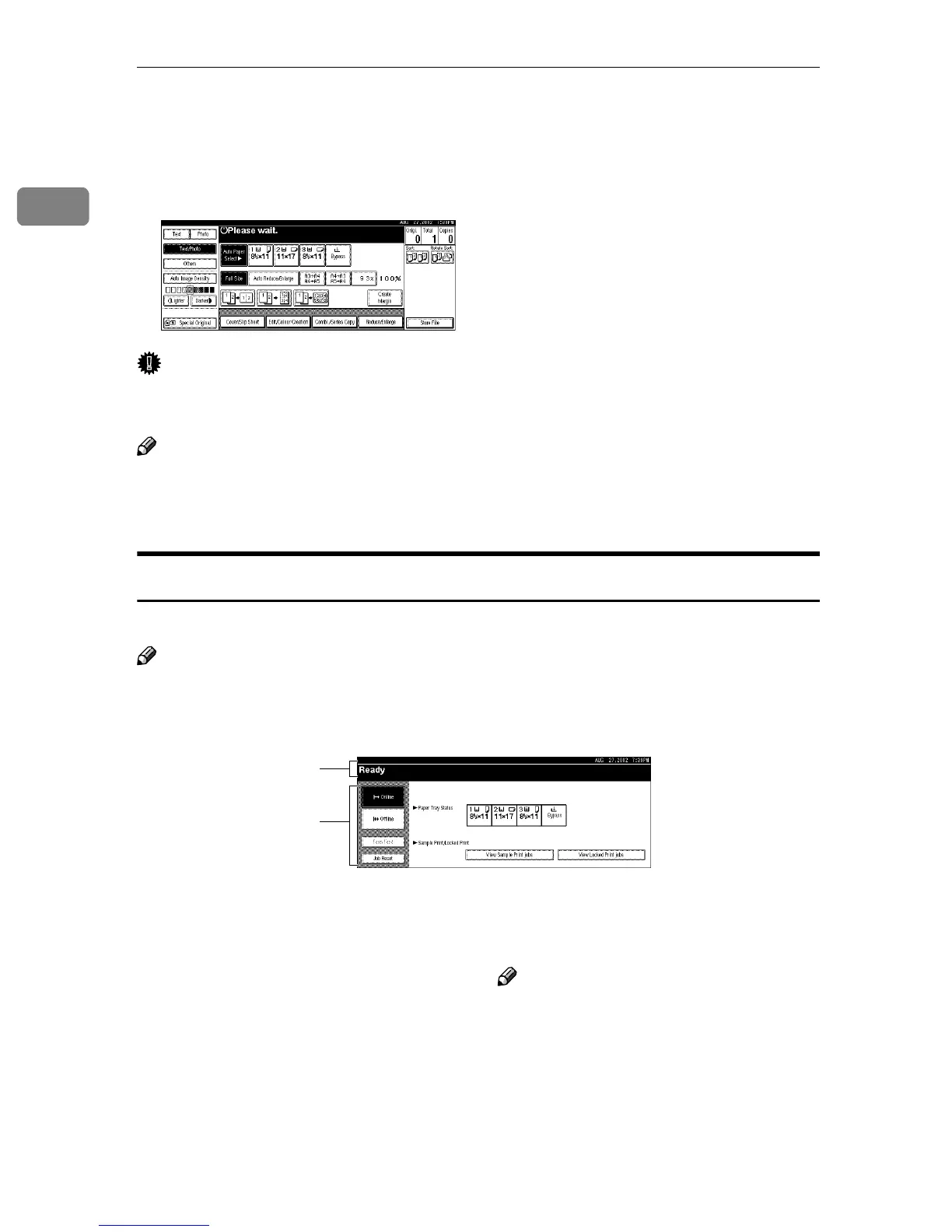
Display panel
The screen displayed when the power is turned on is {
{{
{Copy}
}}
} which is the factory
set default.
Important
❒ Do not apply a strong shock or force of about 30 N (about 3 kgf) or more to
the display panel. If you do, the display can be damaged.
Note
❒ You can change the display to printer priority. For more information, see "Us-
er Tools (System Settings)" in Administrator Reference 2 Copier System Edi-
tion.
Initial Printer Display
Press {
{{
{Printer}
}}
} to display initial printer display.
Note
❒ The following illustrations are examples for the machine with the options in-
stalled.
1. Operational status or messages 2. The current settings as well as the
functions, which can be selected, are
displayed.
Note
❒ The item, which is currently selected
or specified, is highlighted.
1
2



 To Next Page