101
Operating Instructions Copy Reference <Advanced Features>
3. User Tools (Copier/Document Server Features)
Accessing the User Tools (Copier/Document Server
Features)
This section is for the key operators in charge of
this machine. You can change or set the ma-
chine's default settings.
Preparation
After using the User Tools, be sure to exit
from the User Tools.
The selected key is highlighted.
Any changes you make with the User Tools
remain in effect even if the main power switch
or operation switch is turned off, or the {
{{
{Clear
Modes}
}}
} key is pressed.
Reference
For details, see “Accessing the User Tools
(System Settings)”, Administrator Reference
2 Copier System Edition.
A
AA
A
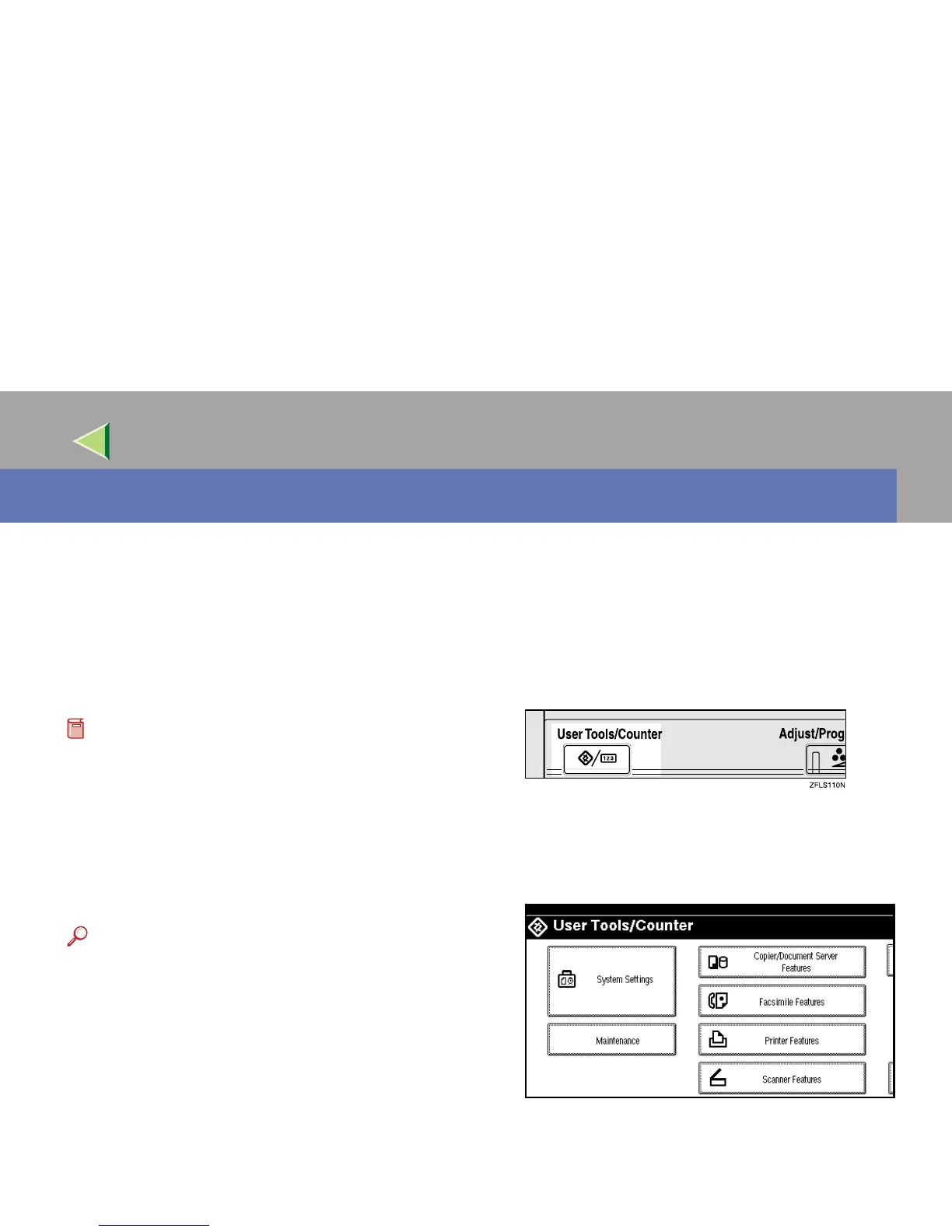
Press the {
{{
{User Tools/Counter}
}}
} key.
The User Tools/Counter menu appears.
B
BB
B
Press [Copier/Document Server Features].
The Copier/Document Server Features menu
appears.



 To Next Page