Operating Instructions Copy Reference <Advanced Features>
102
C
CC
C
Select the desired menu, and then press the
desired key.
The set screen for each item is displayed.
Note
❒ [T
TT
TNext]: Press to go to the next page.
❒ [U
UU
UPrevious]: Press to return to the previous
page.
D
DD
D
Change the settings by following the in-
structions on the display panel, and then
press [
OK
].
Note
❒ [OK]: Press to set the new settings and re-
turn to the previous menu.
❒ [Cancel]: Press to return to the previous
menu without changing any data.
Exiting From the User Tools
A
AA
A
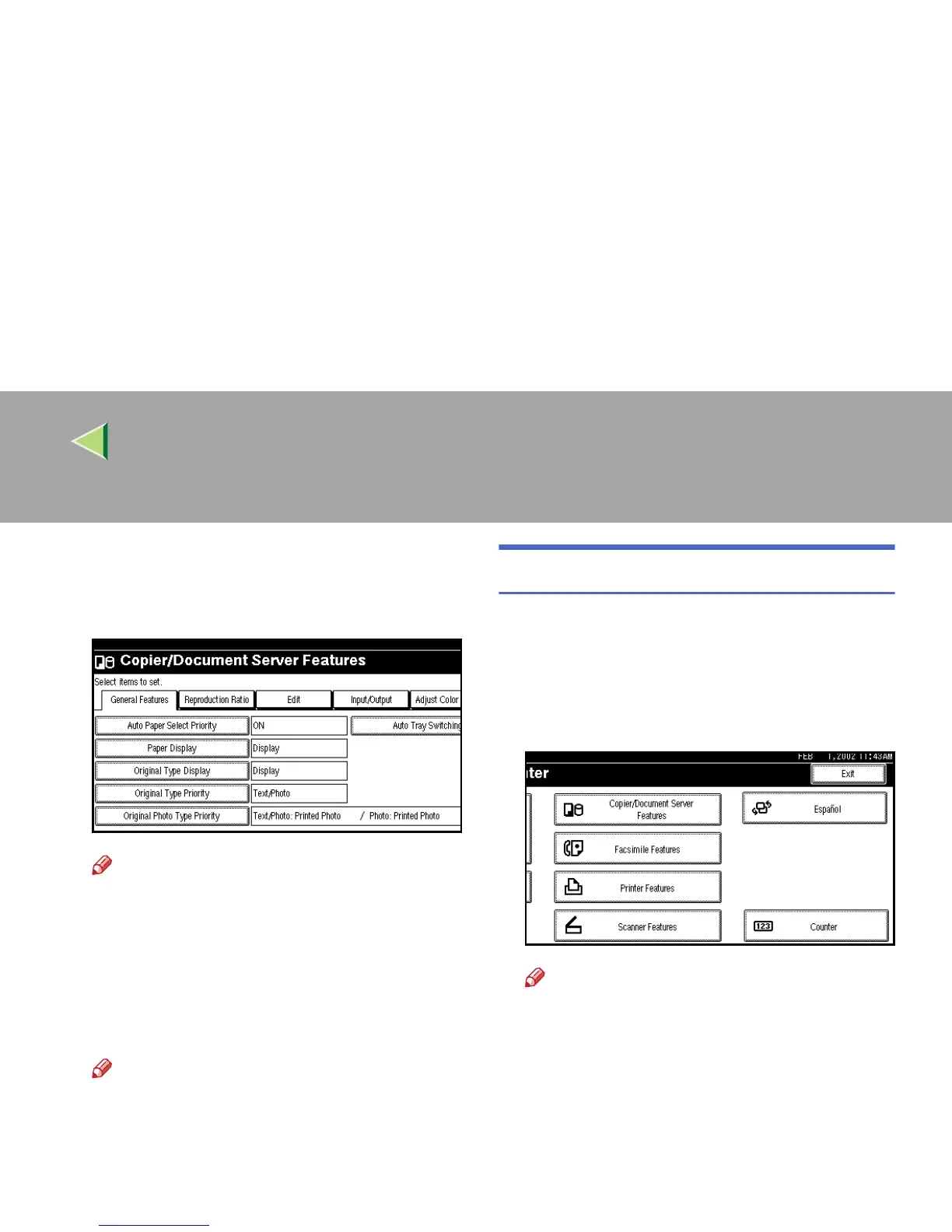
After changing the User Tools settings,
press [
Exit
] on the User Tools/Counter
menu.
Changing the User Tools is completed, and
the machine is ready for copying.
Note
❒ To cancel any changes and return to Copy
mode, press the {
{{
{User Tools/Counter}
}}
} key.
❒ You can also exit from the User Tools by
pressing the {
{{
{User Tools/Counter}
}}
} key.



 To Next Page