Operating Instructions Copy Reference <Advanced Features>
103
General Features
1
/
5
Note
❒ The screen or the selection items vary depending if the options are installed or not.
❖
❖❖
❖ Auto Paper Select Priority
As a default setting, Auto Paper Select is selected. You can cancel this setting. ⇒ “Selecting Copy
Paper”, Basic Features manual
Note
❒ Default: ON
❖
❖❖
❖ Paper Display
You can choose whether the available paper trays/sizes are shown on the initial display at Auto Pa-
per Select mode.
Note
❒ Default: Display
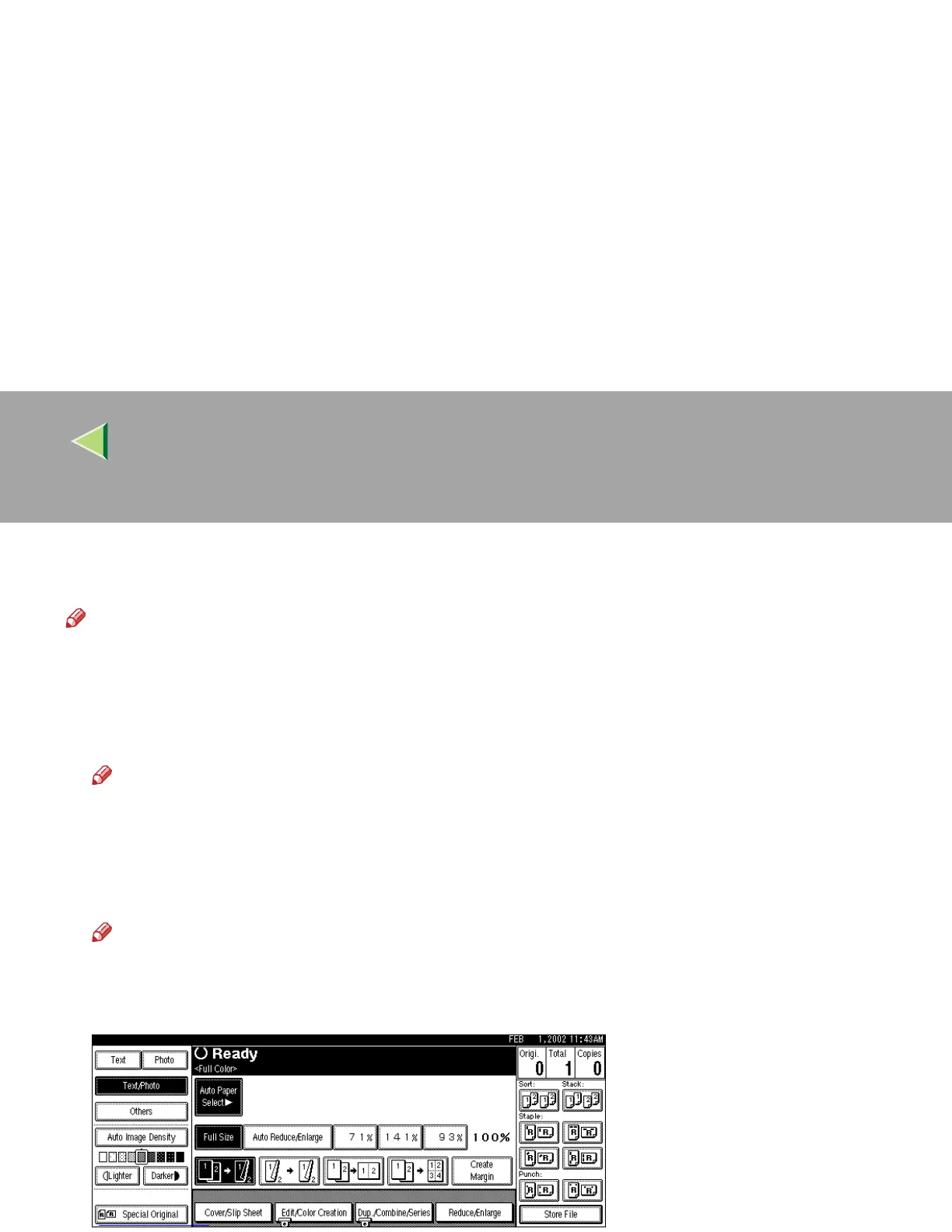
❒ If you choose “Hide”, the display is shown as below. When [Auto Paper Select] is pressed, paper
sizes appear on the display.



 To Next Page