Operating Instructions Copy Reference <Advanced Features>
104
❖
❖❖
❖ Original Type Display
You can choose whether the original types are shown on the initial display.
Note
❒ Default: Display
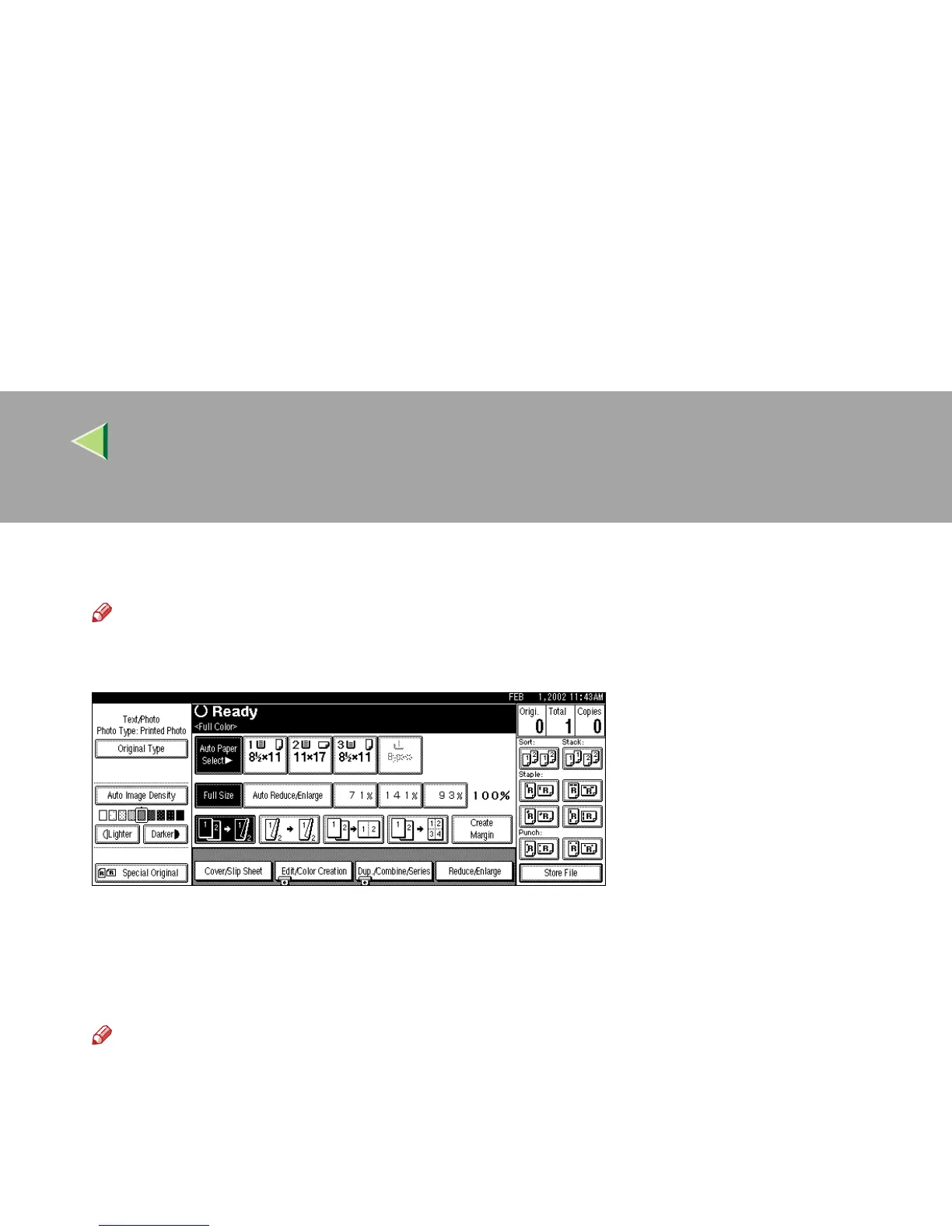
❒ If you choose “Hide”, the display is shown as below.
❖
❖❖
❖ Original Type Priority
As a default setting, Text/Photo is selected as the Originals Type. You can change it to Text,
Text/Photo, Photo, Pale, Generation Copy or Map. ⇒ “Selecting Original Type Setting”, Basic Fea-
tures manual
Note
❒ Default: Text/Photo
❖
❖❖
❖ Original Photo Type Priority
The following types of originals can be set when selecting Text/Photo or Photo:
• Glossy Photo
• Printed Photo
• Copied Photo



 To Next Page