Printer Mode
43
4
Printer Mode
Changing to Printer Mode
To print from an application being run on a personal computer, you need not
switch to Printer mode on this machine. You must switch to Printer mode, how-
ever, to perform the following operations:
• Form Feed
• Job Reset
• Sample Print
• Locked Print
A
AA
A
Press the {
{{
{Printer}
}}
} key.
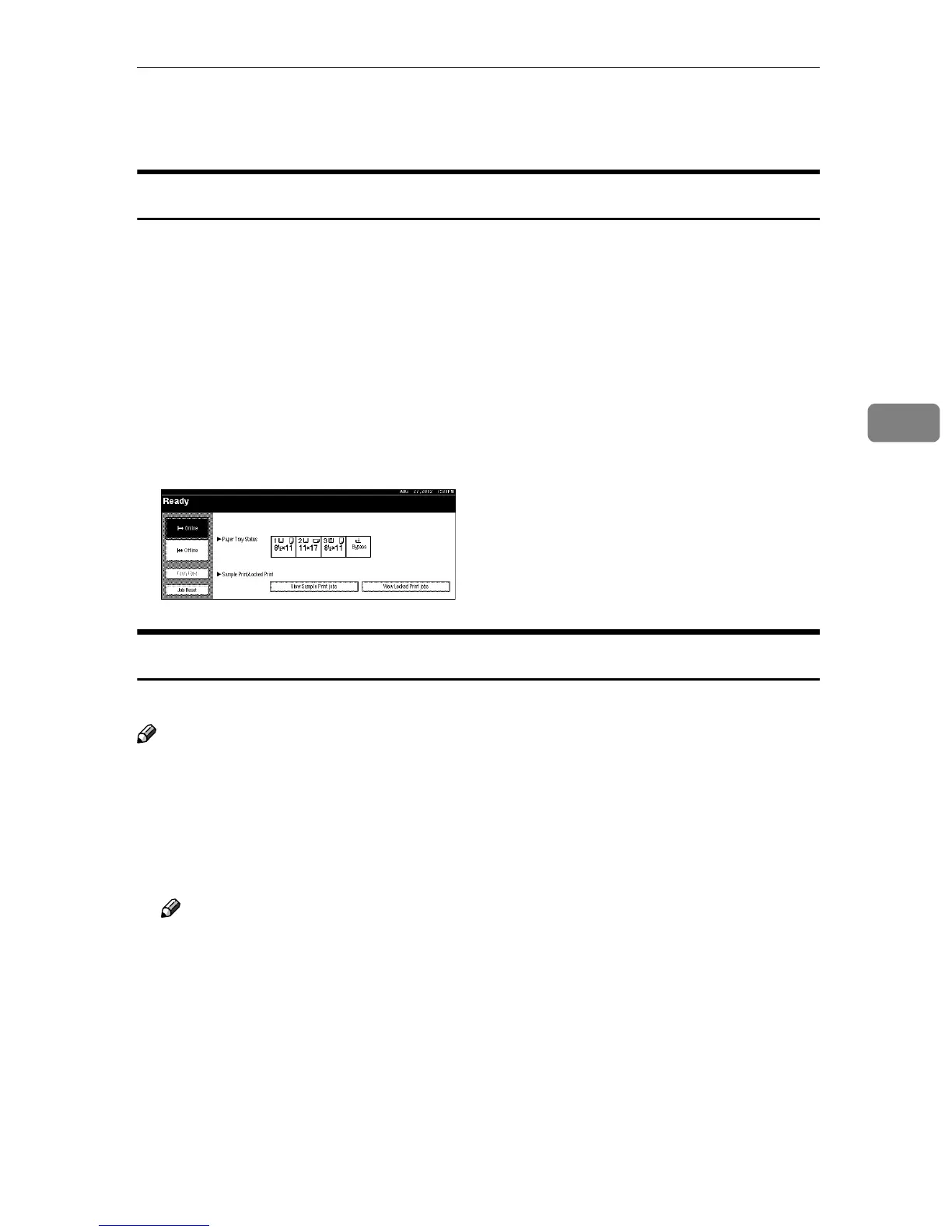
The Printer display appears on the panel display.
Printing
The machine can receive print data while another mode is functioning.
Note
❒ If “Function Priority” in the System Settings is not set as “Printer”, printing is
done after the current job. For more information, see “User Tools (System Set-
tings)” in Administrator Reference 2 Copier System Edition.
A
AA
A
Print the job from your computer.
Printing starts.
Note
❒ If User Codes have been set for the Printer function as described in Admin-
istrator Reference 2 Copier System Edition, you must enter your User Code
from the Printer Driver.



 To Next Page