Operating Instructions Copy Reference <Advanced Features>
100
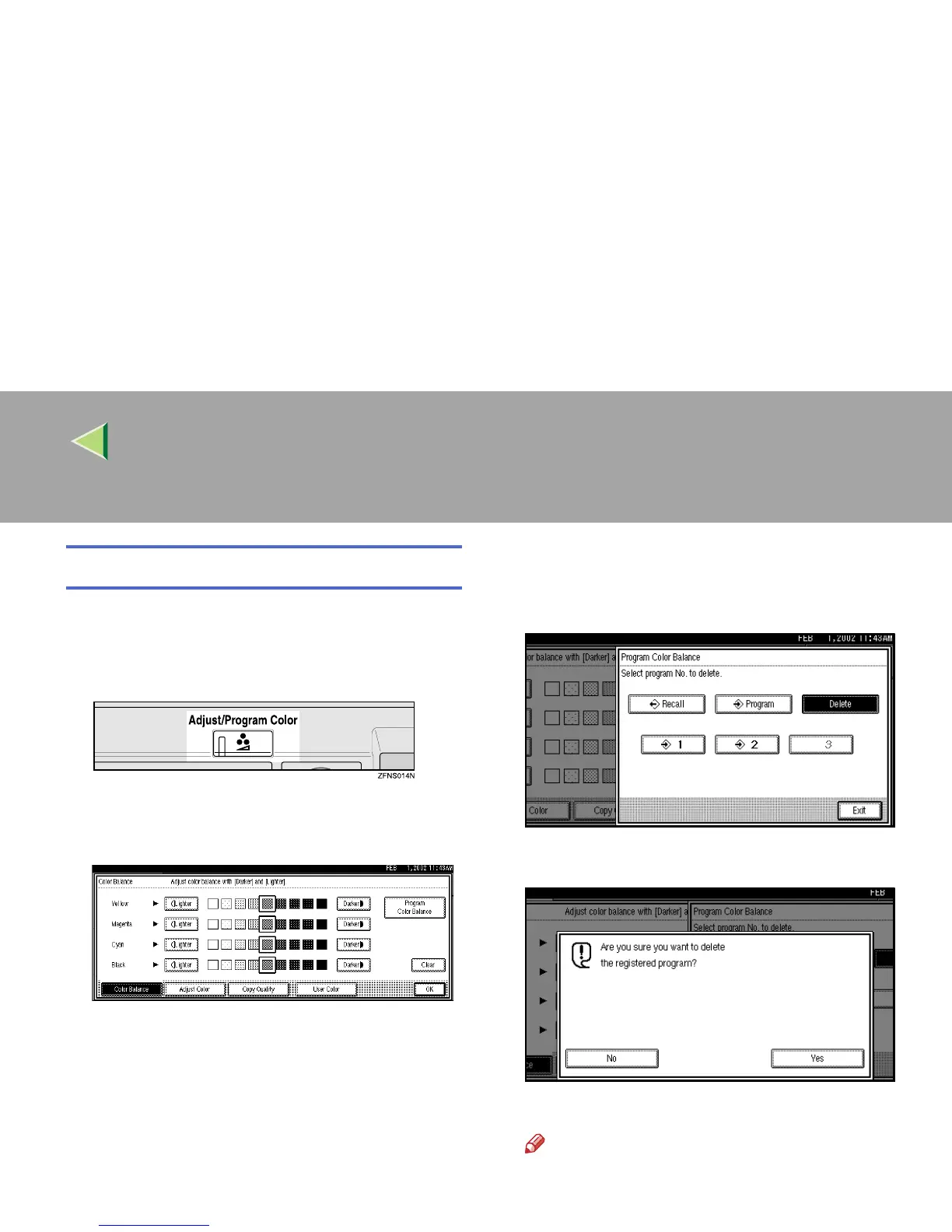
Deleting the Registered Contents
A
AA
A
Press the {
{{
{Adjust/Program Color}
}}
} key.
The Adjust/Program Color indicator lights
up.
B
BB
B
Make sure that [
Color Balance
] is selected,
and then press [Program Color Balance].
C
CC
C
Press [
Delete
], and then select the program
number in which the color balance to de-
lete is registered.
D
DD
D
Press [
Yes
].
The registered content is deleted.
Note
❒ Press [No] if you do not want to delete any-
thing.
E
EE
E
Press [OK].



 To Next Page