Operating Instructions Administrator Reference 2
89
D
DD
D
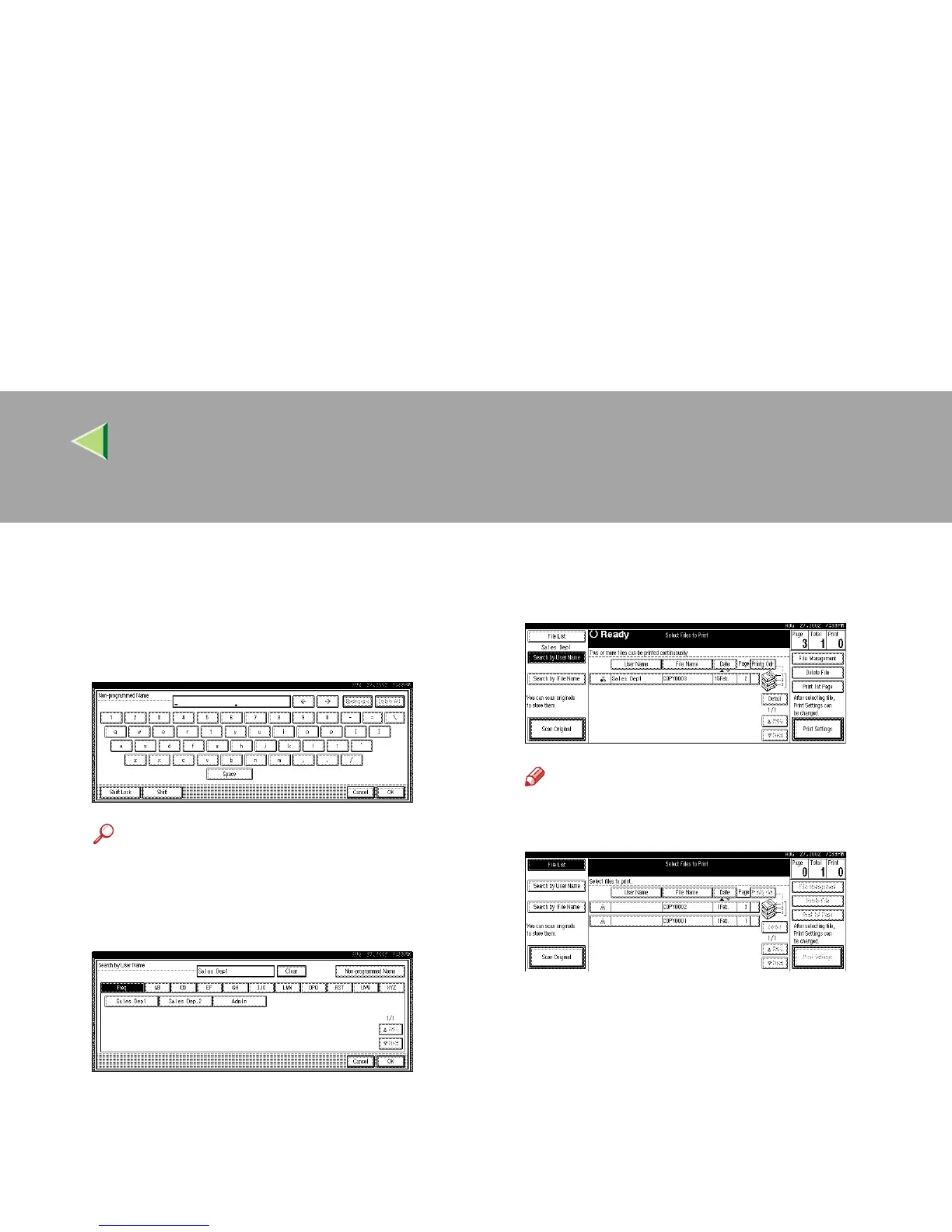
To specify an unregistered user name,
press [Non-programmed Name]. The entry
dialog box below appears. Enter the unreg-
istered user name in the entry dialog box,
and then press [OK].
Reference
For more information about how to enter
characters, see p.149 “Entering Text”.
E
EE
E
Press [OK].
Only the files beginning with the name en-
tered appear in the “Select Files to Print” dis-
play.
Note
❒ To display all the files saved in the Docu-
ment Server, press [
File List
].



 To Next Page