Operating InstructionsFacsimile Reference (option) <Advanced Features>
50
C
CC
C
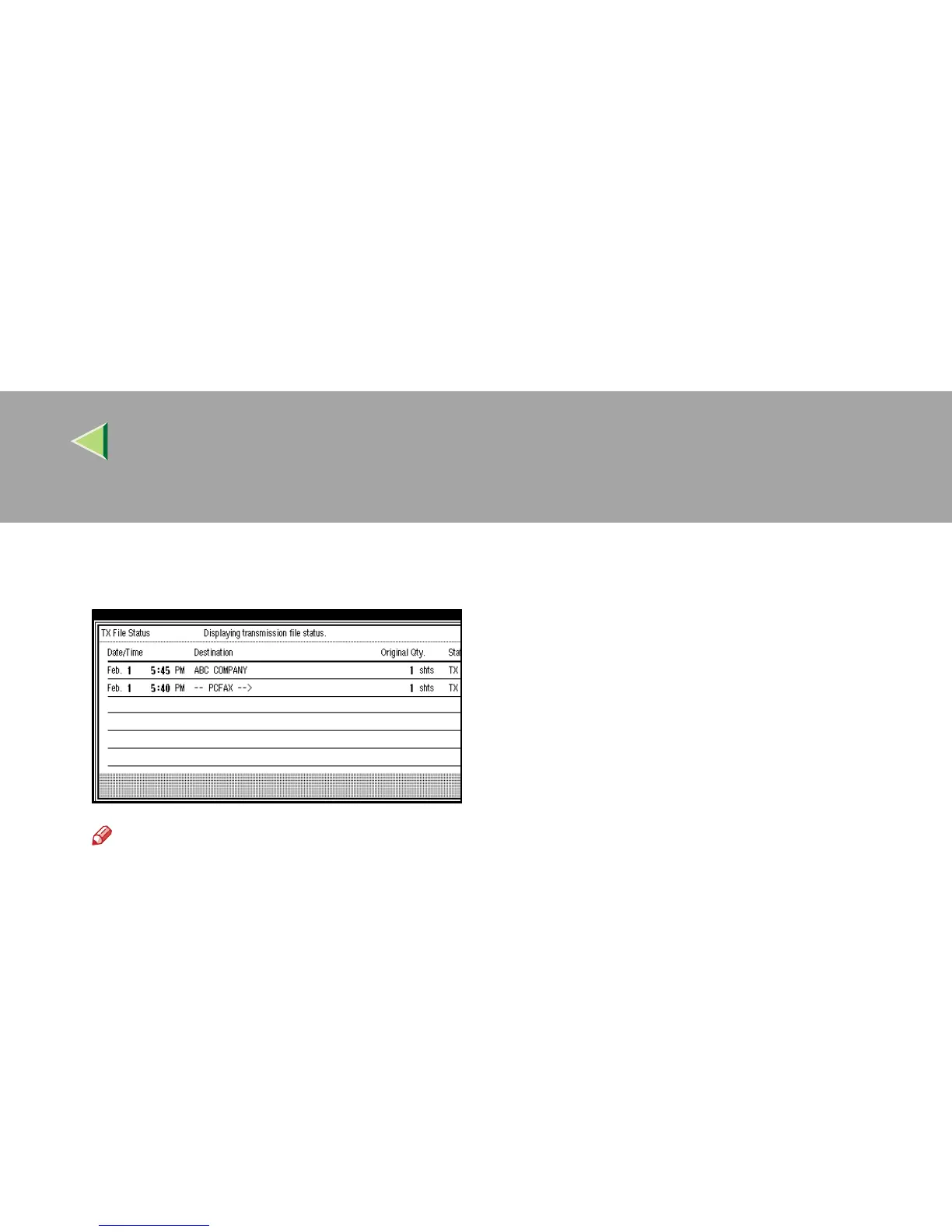
Check the transmission results, and then
press [Exit].
Note
❒ If a desired transmission result is not
shown, press [U
UU
U Prev.] or [T
TT
T Next].
❒ “Destination” shows the fax number of a
sender or Fax Header information. For a
transmission from a computer, “-- PCFAX
-->” is shown.
D
DD
D
Press [Exit].
The initial display is shown.



 To Next Page