Operating Instructions Copy Reference <Advanced Features>
55
E
EE
E
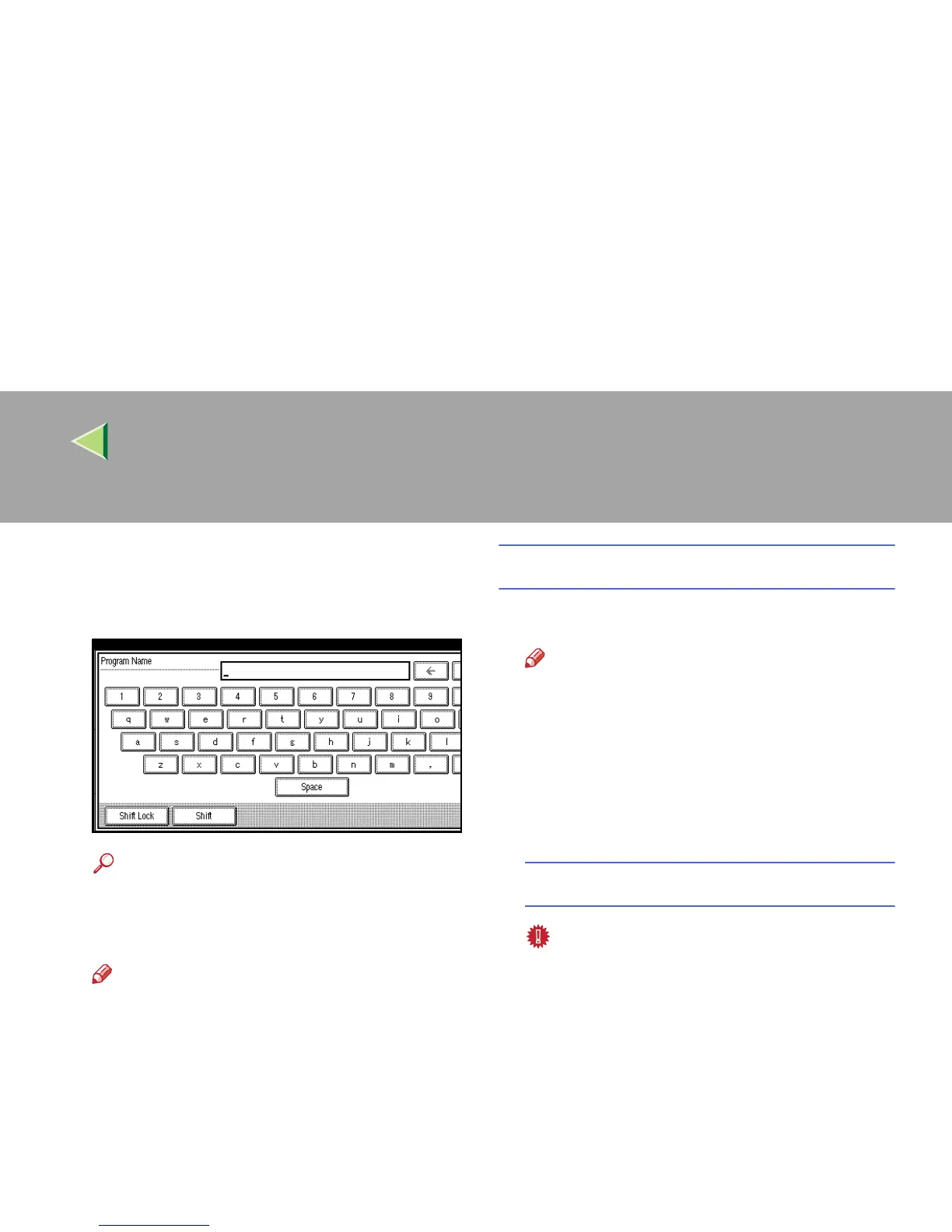
Enter the program name with the letter
keys on the display panel.
You can enter up to 40 characters.
Reference
For details on entering characters, see
“Entering Text”, Administrator Reference 2
Copier System Edition.
Note
❒ If you do not wish to enter the program
name, go to step
F
.
F
FF
F
Press [
OK
].
When the settings are successfully stored, the
m
mm
m indicator goes on.
The screen returns to the initial copy display
after a while.
Changing a Stored Program
A
AA
A
Make sure the program settings.
Note
❒ When you want to check the contents of a
program, recall the program. ⇒ p.57 “Re-
calling a Program”
B
BB
B
Repeat steps
A
to
D
in “Storing a Pro-
gram” (
⇒
⇒⇒
⇒
p.54).
A confirmation message appears.
To overwrite the program
Important
❒ If you overwrite the program, the previous
program is deleted.



 To Next Page