Operating Instructions Copy Reference <Advanced Features>
67
D
DD
D
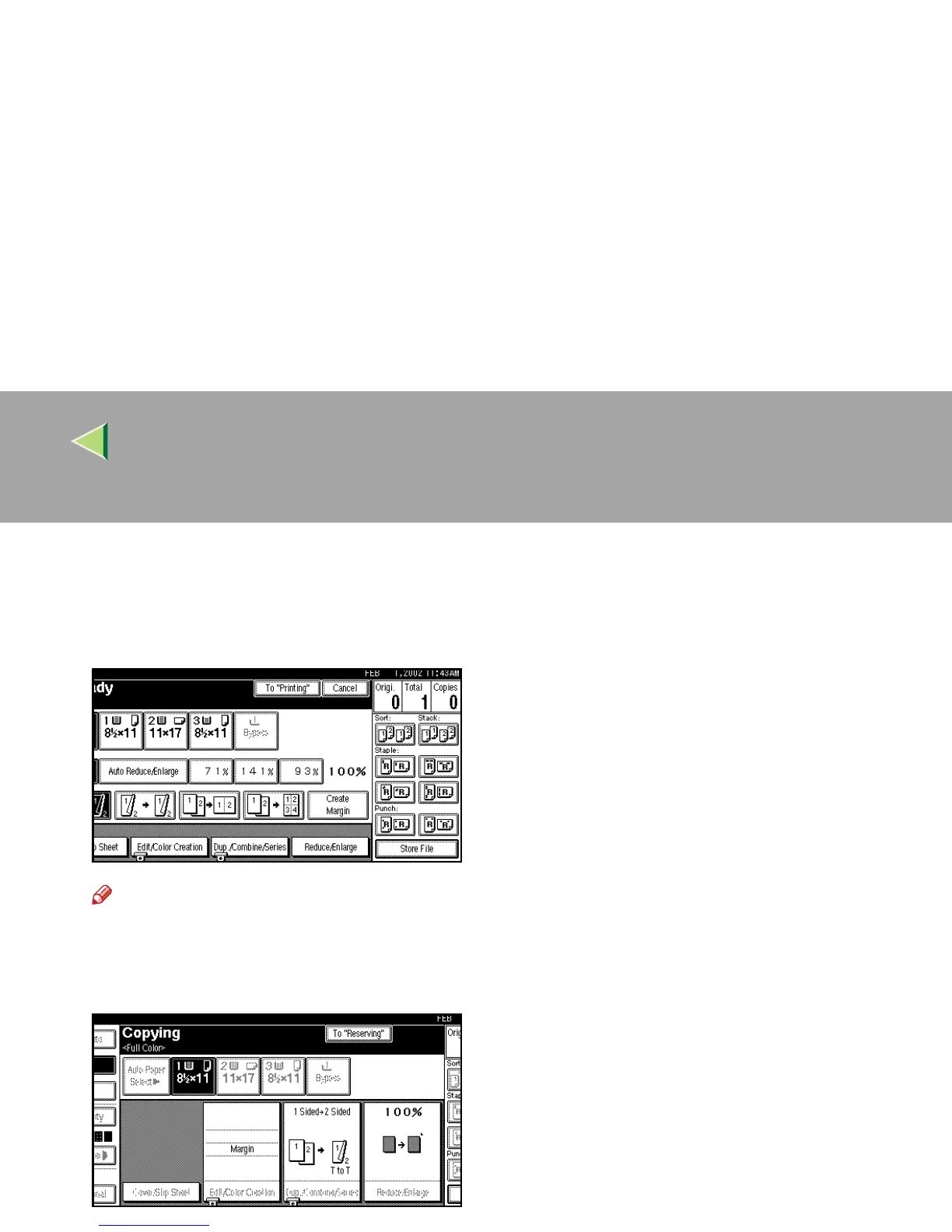
Press [
To "Printing"
].
The screen returns to the initial copy display.
After the current copy job, the next job starts
automatically.
Note
❒ You can switch the display to the current
copy job by pressing [To "Printing"]. You
can switch the display to the preset job by
pressing [To "Reserving"].



 To Next Page