Operating Instructions Scanner Reference
58
A
AA
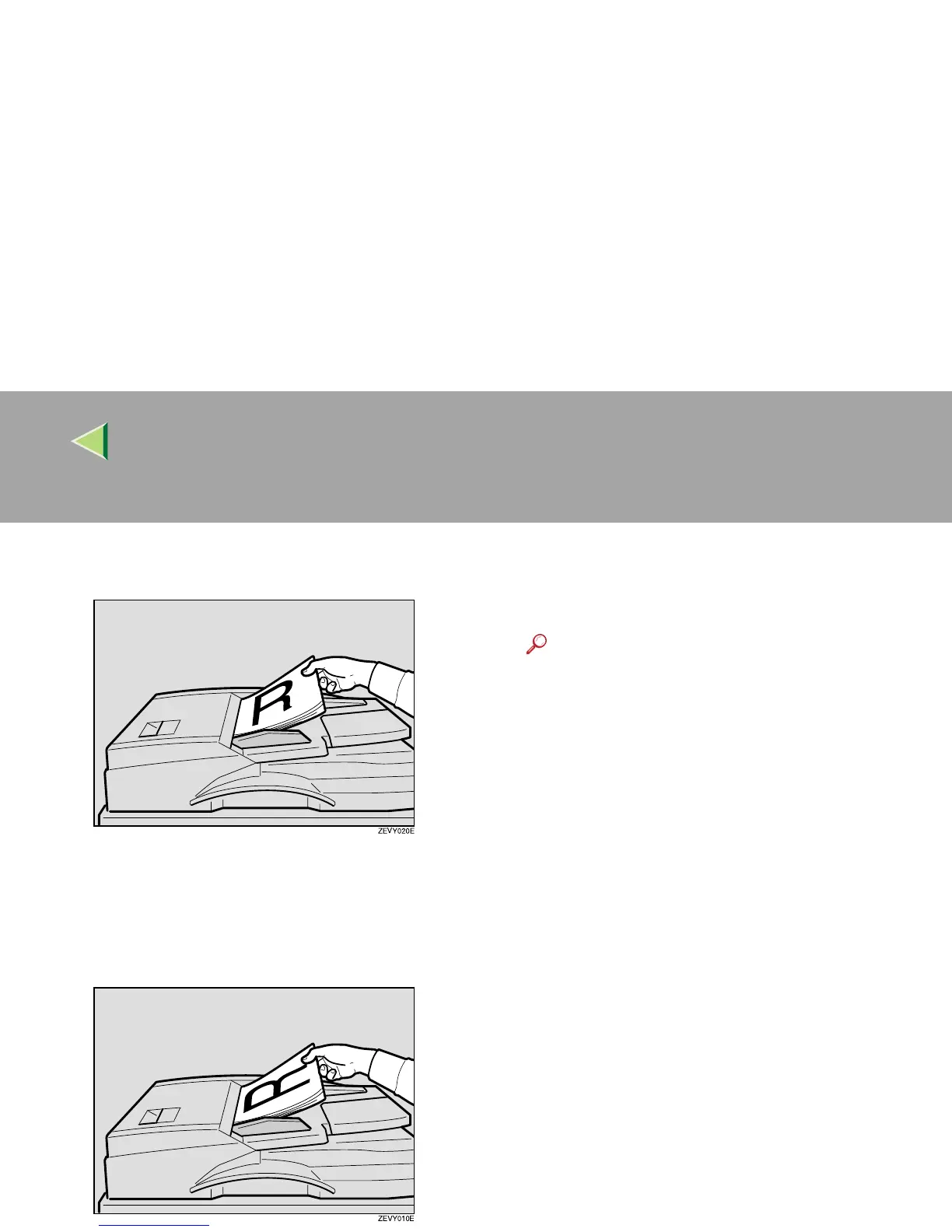
A Place the original so that the top edge is
in the ADF tray.
B
BB
B Place the top edge of the original first.
When using the machine as a network
TWAIN scanner, this orientation is the
standard setting in the TWAIN driver. Nor-
mally, use this orientation for placement.
C
CC
C
Select the appropriate orientation on the
control panel or on the computer so that it
matches the orientation of originals placed.
Reference
❒ ⇒ p.60 “Original Orientation and Scan
Area Setting”



 To Next Page