Operating Instructions Administrator Reference 2
131
I
II
I
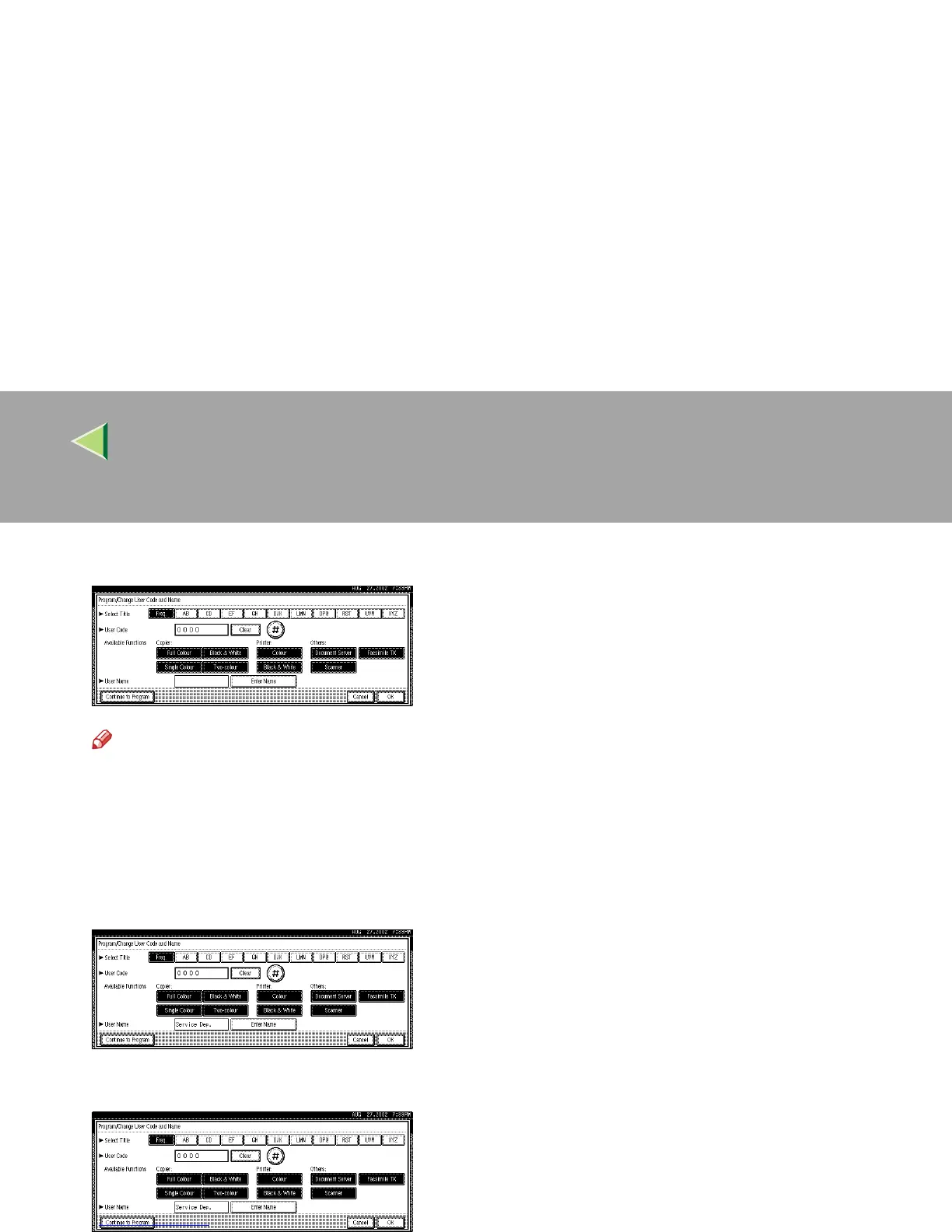
Press [Enter Name], and then enter the name for the user code.
Note
❒ For details on how to enter the name for the user code, see p.149 “Entering Text”.
❒ This can be used to attach the user name to documents in the Document Server. You do not
need to enter a user code for this. For more information about Document Server, see p.61 “Doc-
ument Server”.
J
JJ
J
To continue registering user codes, press [Continue to Program], and then repeat the procedures
from step
F
.
K
KK
K
Press [OK].



 To Next Page