Operating Instructions Administrator Reference 2
130
G
GG
G
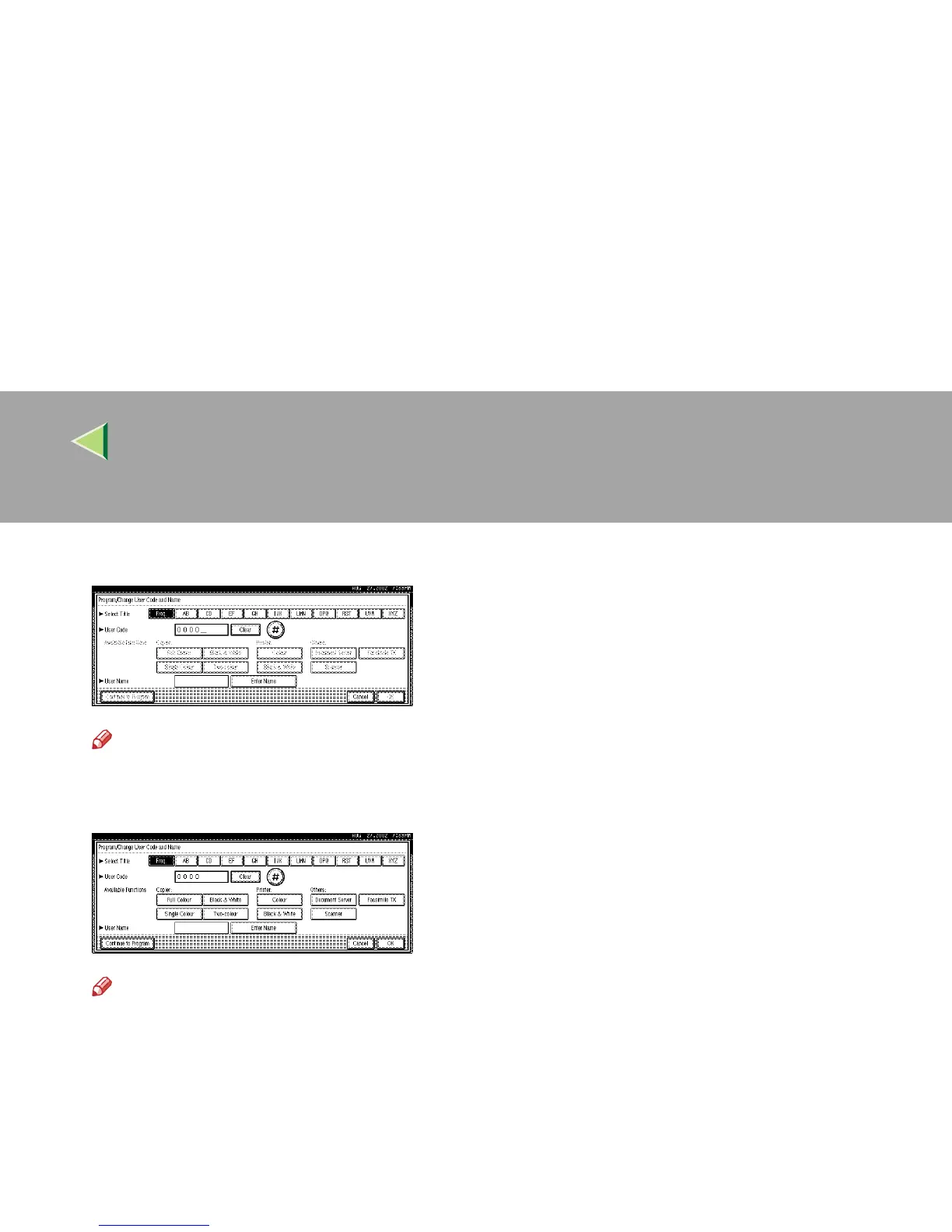
Enter the user code (8 digits max), and then press [#].
Note
❒ If you make a mistake, press [
Cancel
] or the {
{{
{Clear/Stop}
}}
} key, and then enter the code again.
H
HH
H
Select the functions to be used with the user code from “Available Functions”.
Note
❒ The functions that can be selected are as follows.
• Copier:
[
Full Colour
], [
Single Colour
], [
Black & White
], [
Two-colour
]
• Printer:
[Colour], [Black & White]
• Others:
[Document Server], [Scanner]
❒ Select “Yes” for each function of the user code. ⇒ p.122 “User Code Management”



 To Next Page