Operating Instructions Administrator Reference 2
129
E
EE
E
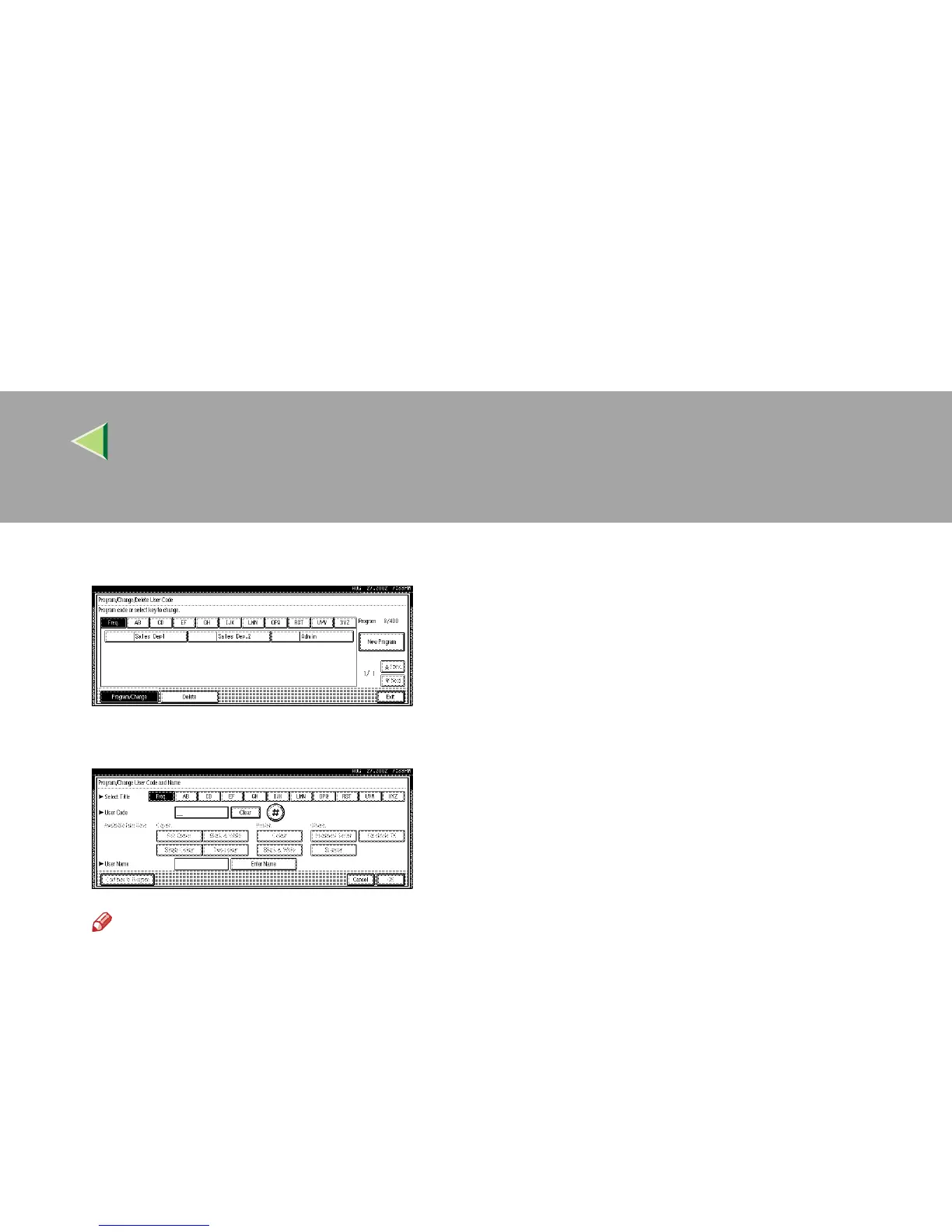
Press [New Program].
F
FF
F
Press the key for the classification you want to use from “Title Select”.
Note
❒ The keys you can select are as follows.
• [Freq.]… Added to the page that is displayed first.
• [AB], [CD], [EF], [GH], [IJK], [LMN], [OPQ], [RST], [UVW], [XYZ],… Added to the list of items in
the title selected.
❒ You can only select one page for “Title Select”.



 To Next Page