Operating Instructions Administrator Reference 2
128
❖
❖❖
❖ Scanner
Limits the users who can use the Scanner function and manages the use of each user code.
Note
❒ Specify "ON" for "Scanner" in the User Code Management settings (⇒ p.122).
Important
❒ The functions associated with each user code are the same. If you change or delete user codes, the
management data and limits associated with that user code will become invalid.
To Register the New User Code
A
AA
A
Press the {
{{
{User Tools/Counter}
}}
} key.
B
BB
B
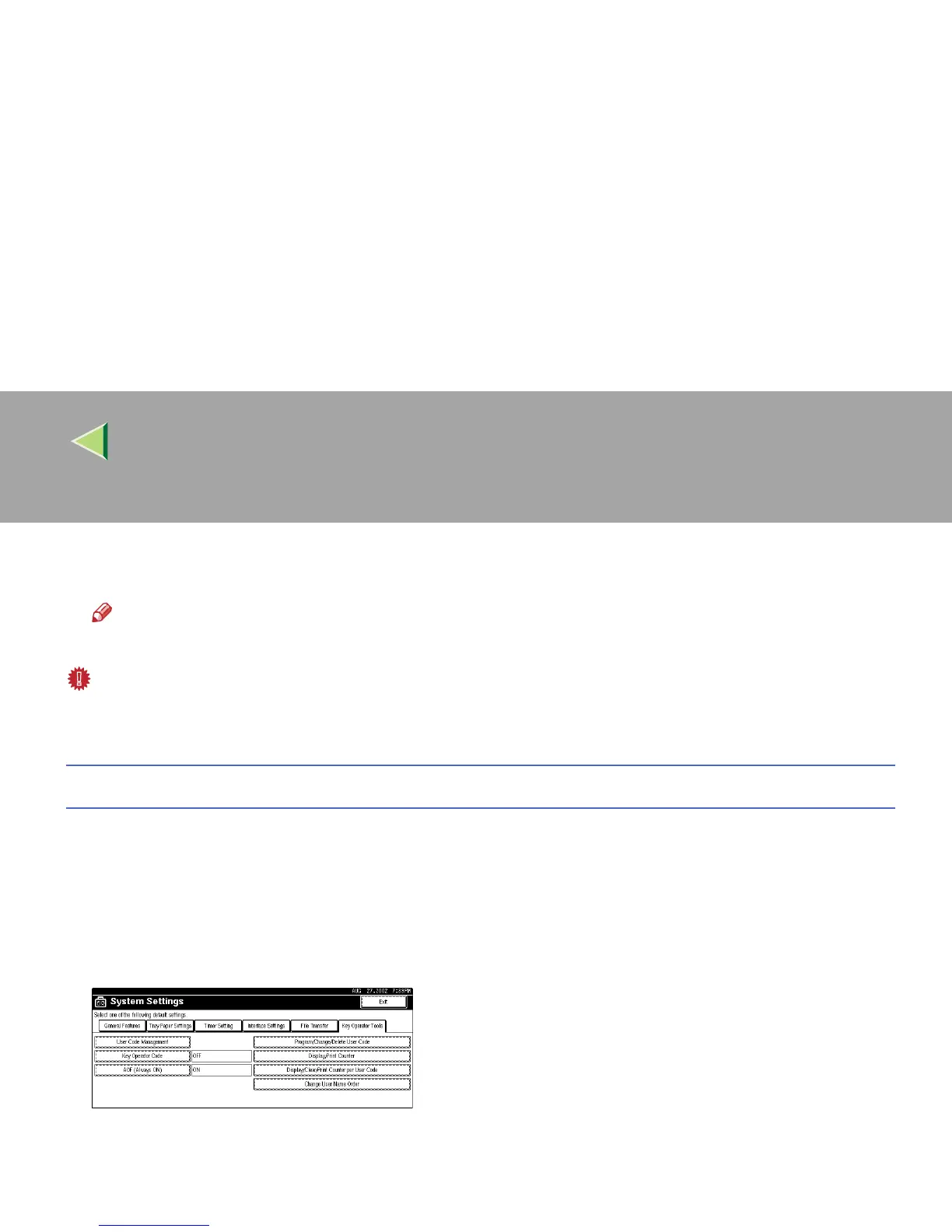
Press [System Settings].
C
CC
C
Press [Key Operator Tools].
D
DD
D
Press [Program/Change/Delete User Code].



 To Next Page