Operating Instructions Scanner Reference
97
Changing a password
A
AA
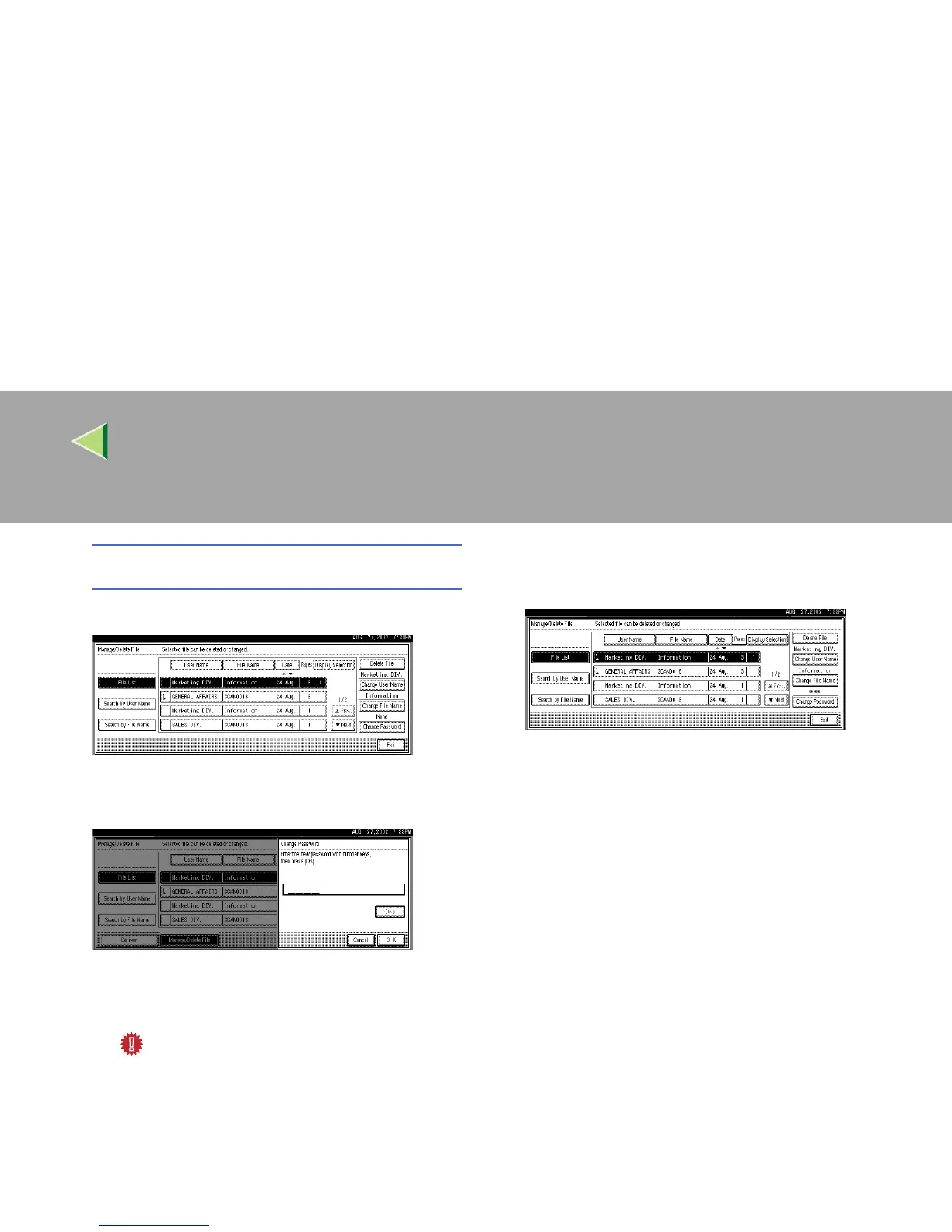
A Press [Change Password].
B
BB
B Enter the new password consisting of
four numbers.
C
CC
C Press [OK].
The new password is stored.
Important
❒ Do not forget the password. If you for-
get it, ask the key operators in charge
of this machine.
D
DD
D
Verify that the file information change was
made as desired, and press [Exit].



 To Next Page