Groups
65
3
B
BB
B
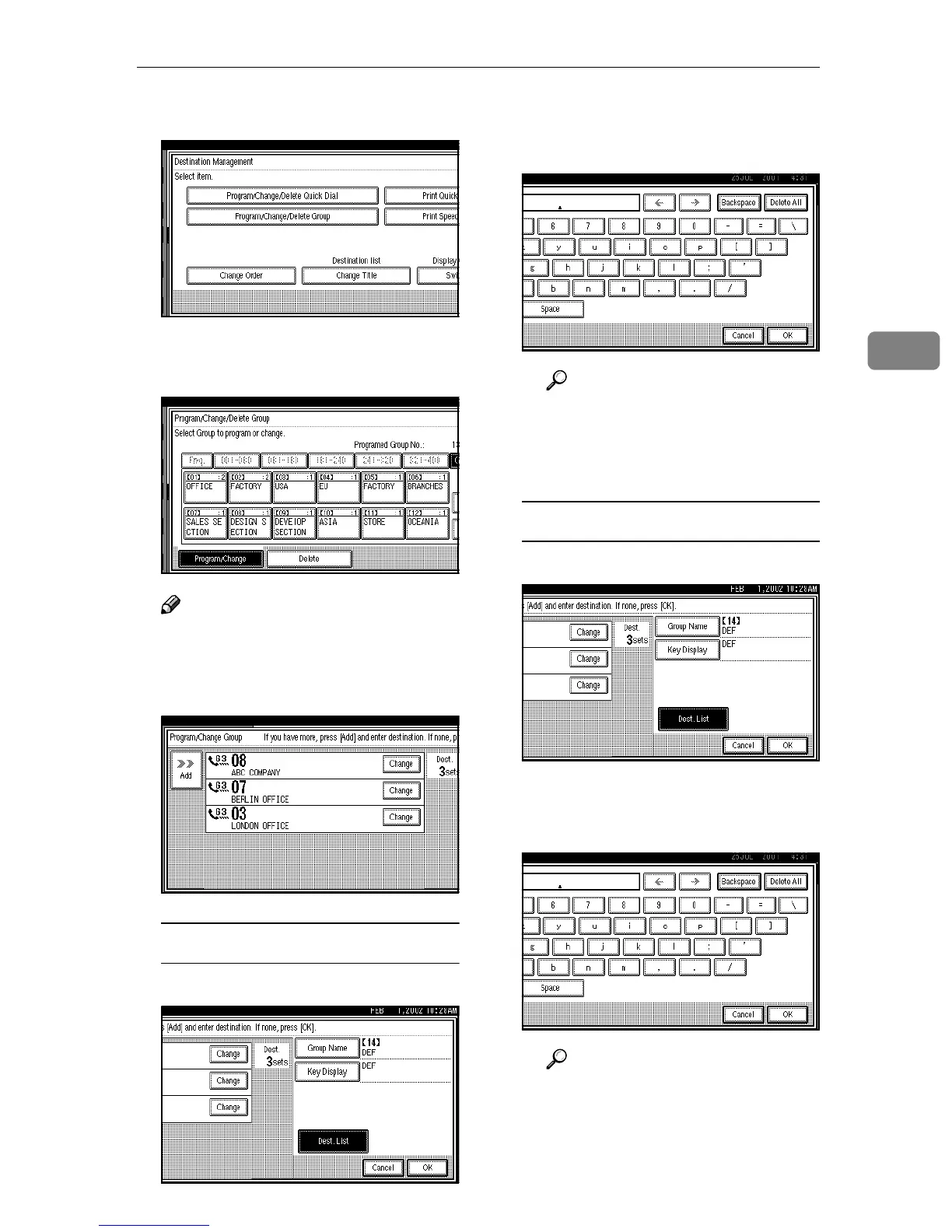
Press [Program/Change/Delete Group].
C
CC
C
Select the key for the group you
want to change.
Note
❒ If the Group key you require is
not shown, press [U
UU
U] and [T
TT
T].
D
DD
D
Change the contents of the group.
Editing a Group Name
A
AA
A Press [Group Name].
B
BB
B Press [Backspace] or [Delete All],
and then reenter the Group
name.
Reference
⇒ p.71 “Entering Text”
C
CC
C Press [OK].
The display appears as in step
D
.
Editing Key Display
A
AA
A Press [Key Display].
B
BB
B Press [Backspace] or [Delete All],
and then reenter the Key Dis-
play.
Reference
⇒ p.71 “Entering Text”
C
CC
C Press [OK].
The display appears as in step
D
.



 To Next Page