Groups
63
3
D
DD
D
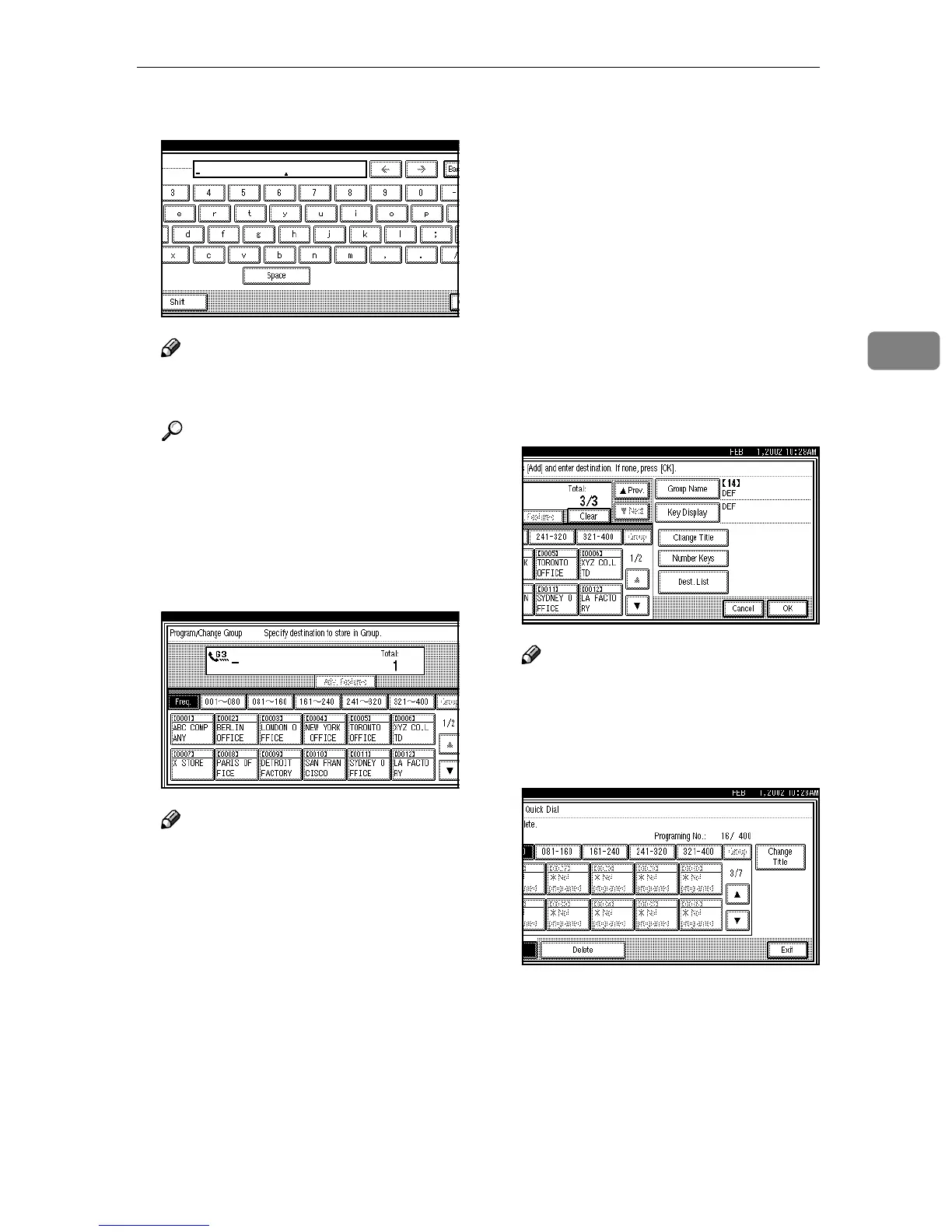
Enter the name of the group.
Note
❒ You should program the Group
name.
Reference
⇒ p.71 “Entering Text”
E
EE
E
Press [OK].
The name has been programmed.
F
FF
F
Specify the destinations to be
programmed in the Group.
Note
❒ You should program facsimile
numbers using the number keys
or Quick Dial Table.
❒ If you make a mistake, press
[Clear] or the {
{{
{Clear/Stop}
}}
} key
and enter again.
❒ If the destination key you re-
quire is not shown, press [U
UU
U]
and [T
TT
T].
❒ Press [Change Title] to display
another title.
❒ When you specify multiple des-
tinations using the number
keys, press [Add].
❒ When you add the destination
using the number keys, press
[Adv. Features] to program SUB,
SID, SEP, PWD, sub-address or
UUI. ⇒ Chapter 4, “Advanced
Features” in the Advanced Fea-
tures manual
❒ Press [Dest. List] to confirm the
destinations programmed in the
Group.
G
GG
G
Press [OK].
Note
❒ If you press [Cancel], the Group
is not programmed. The display
appears as in step
C
.
H
HH
H
Press [Exit] twice.
The machine will return to standby
mode.



 To Next Page