Reading the Display
11
1
❖
❖❖
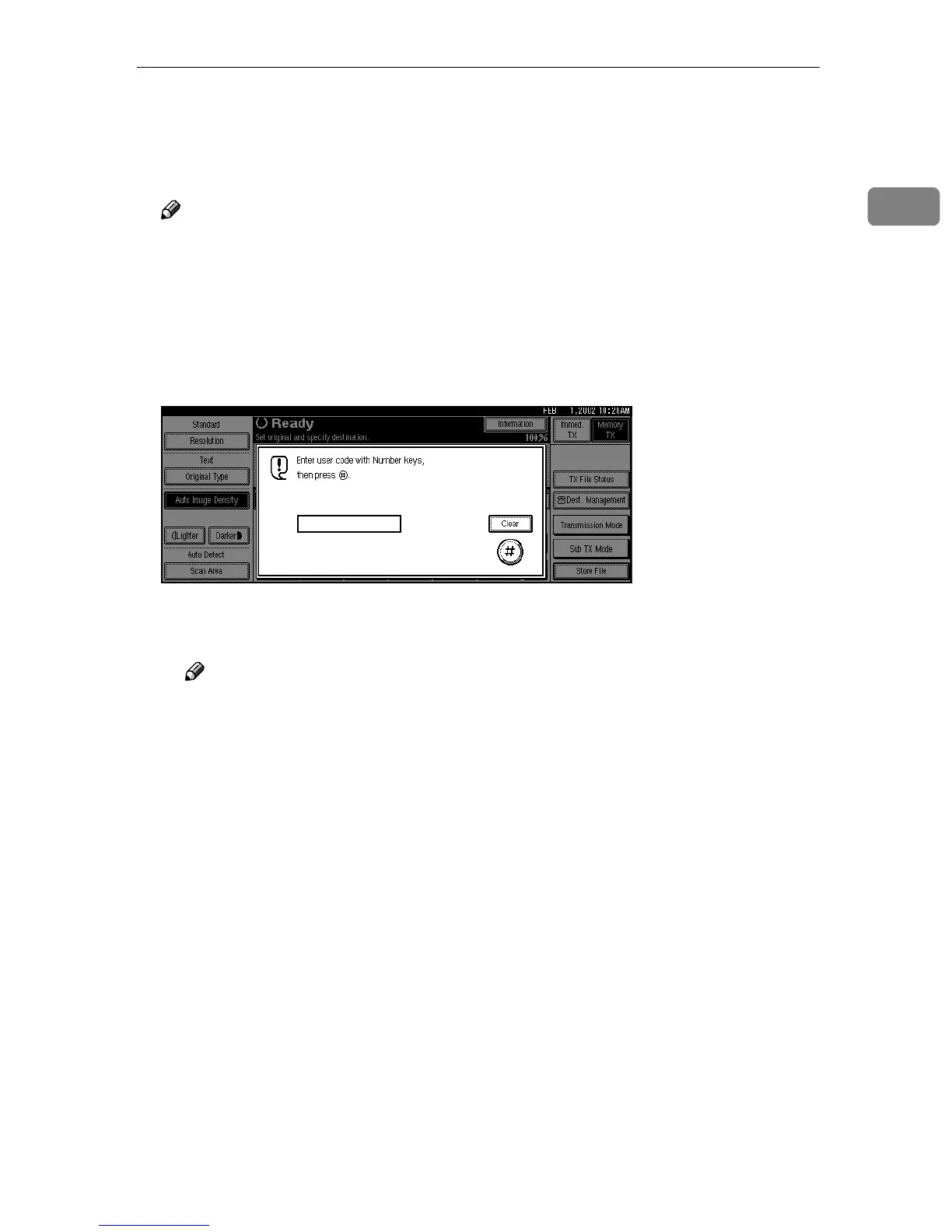
❖ User Code Management
The machine can be set up so that no one can use it without entering a User
Code. This prevents unauthorized people from sending fax messages and
helps track the activity of each user.
Note
❒ You can specify a User Code with “System Settings”. ⇒ “Key Operator
Tools
1
/
2
-- User Code” in Administrator Reference 2 Copier System Edi-
tion
❒ Even when User Code Management is on, you can still receive and print
fax messages as usual.
A
When the following message appears on the display, User Code Manage-
ment is on.
B
Enter a User Code of up to 8 digits with the number keys.
C
Press [#
##
#].
Note
❒ If an unprogrammed User Code is entered, the display returns to step
A.



 To Next Page