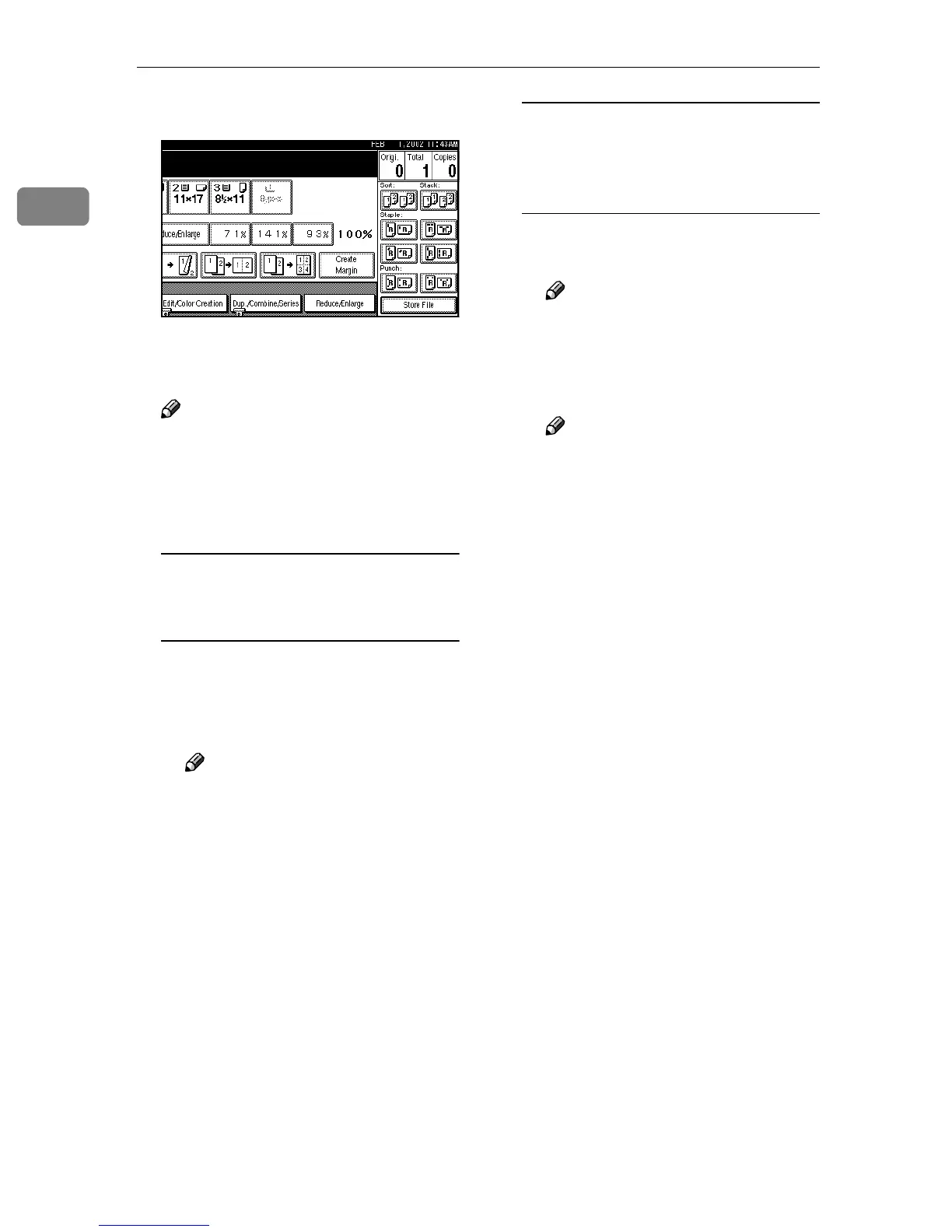
Basic Copying
48
1
A
AA
A
Press [Stack].
B
BB
B
Enter the number of copies with
the number keys.
Note
❒ To change the entered number,
press the {
{{
{Clear/Stop}
}}
} key.
C
CC
C
Place your originals, and then
press the {
{{
{Start}
}}
} key.
When placing a stack of originals
in the optional document feeder
(ADF)
A Place a stack of originals in the
optional document feeder
(ADF), and then press the
{
{{
{Start}
}}
} key.
Note
❒ The last page should be on
the bottom.
When placing an original on the
exposure glass or in the optional
document feeder (ADF) using
Batch mode
A Place the original, and then
press the {
{{
{Start}
}}
} key.
Note
❒ Start with the first page to be
copied.
B Place the next original, and
then press the {
{{
{Start}
}}
} key.
Note
❒ Place the original in the same
direction as the first one.
C Press the {
{{
{#}
}}
} key, after all the
originals have been scanned.



 To Next Page