Operating InstructionsFacsimile Reference (option) <Advanced Features>
109
D
DD
D
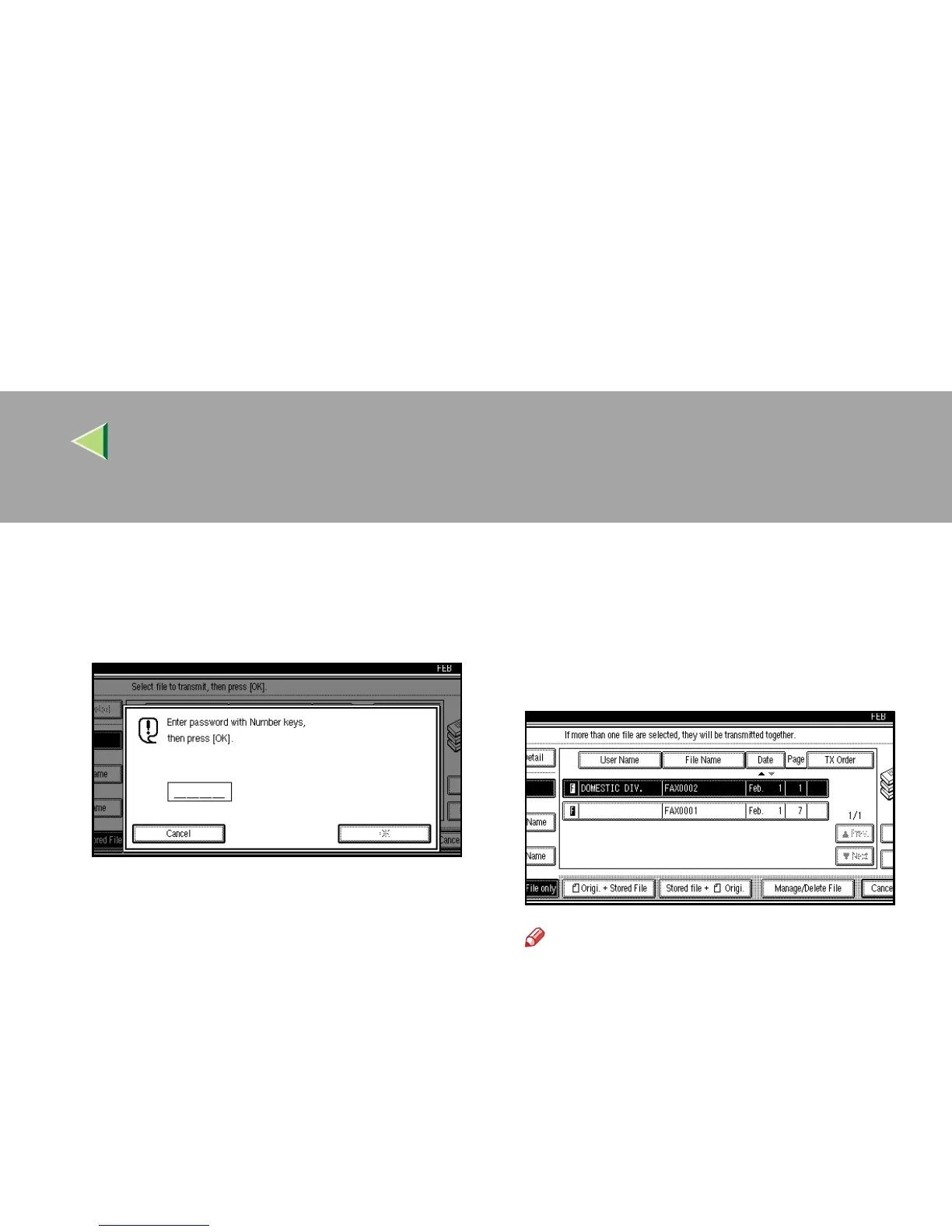
If you select a document with a password,
enter the password.
If the document does not have a password,
proceed to step
F
.
E
EE
E
Press [OK].
F
FF
F
When you want to add your originals to the
stored documents and send them all at
once, press [R
RR
R Origi. + Stored File] or [Stored
file + R
RR
R Origi.].
When sending only the stored documents, go
to step
G
.
Note
❒ When the [R
RR
R Origi. + Stored File
] key is
pressed, the machine sends the “Origi-
nals” and then “Stored Files”. When the
[Stored file + R
RR
R Origi.] key is pressed, the
machine sends the “Stored Files” and then
“Originals”.
❒ The added originals are not stored.



 To Next Page