Operating Instructions Administrator Reference 2
72
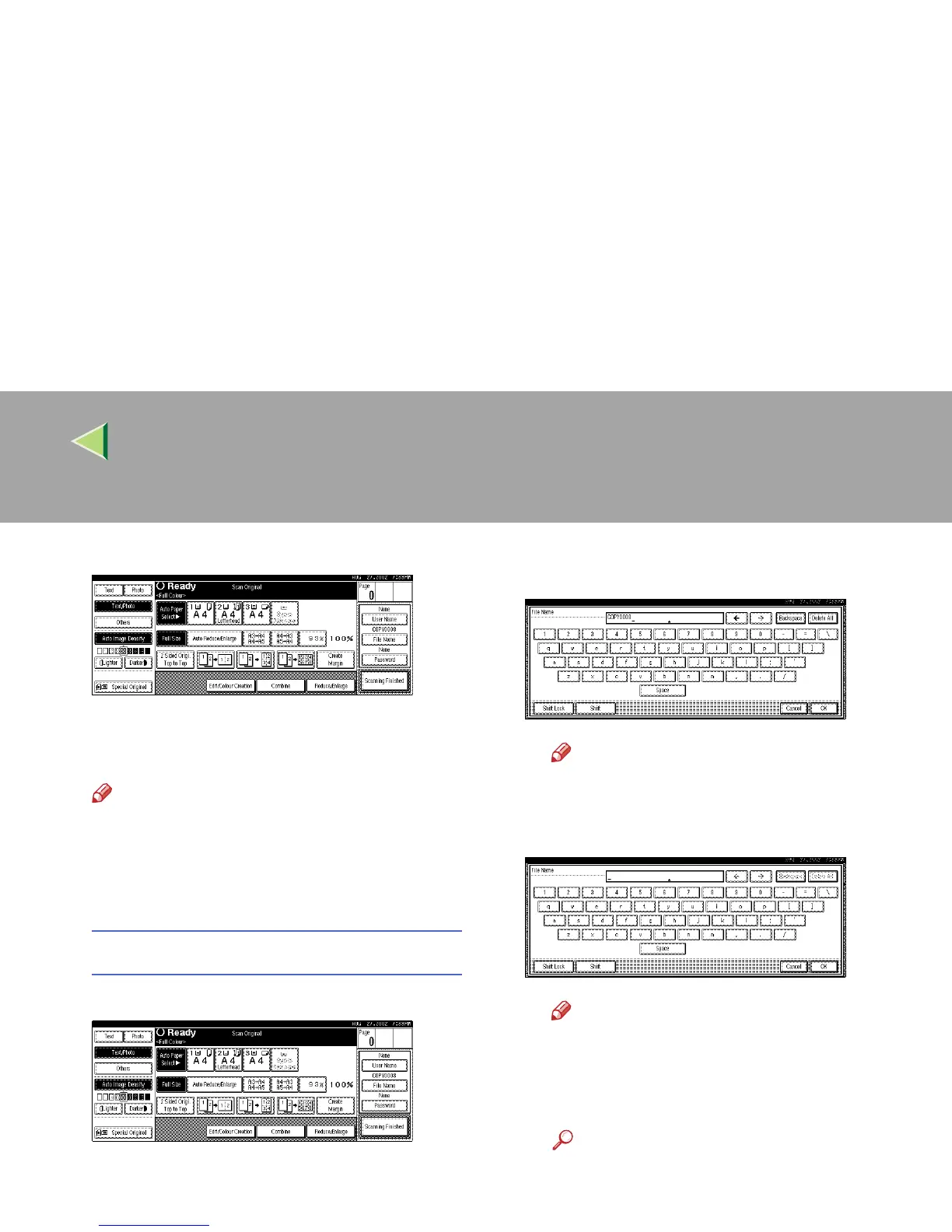
The “Scan Original” display appears.
C
CC
C
Enter a file name, user name, or password
if necessary.
Note
❒ If you do not wish to register a file name,
go to step
D
.
❒ If you do not register a file name, one is au-
tomatically assigned.
To change the file name
A Press [File Name].
The "Change File Name" display appears.
B Press [Delete All] to delete the old file
name.
Note
❒ You can also use [
Backspace
] to delete
unnecessary characters.
C Enter a new file name.
Note
❒ A string of up to 10 characters can be
entered as a file name. Note that only
eight characters of each file name are
displayed in the document list.
Reference
For more information about how to en-
ter characters, see p.149 “Entering
Text”.
D Click [OK].



 To Next Page