Operating Instructions Administrator Reference 2
73
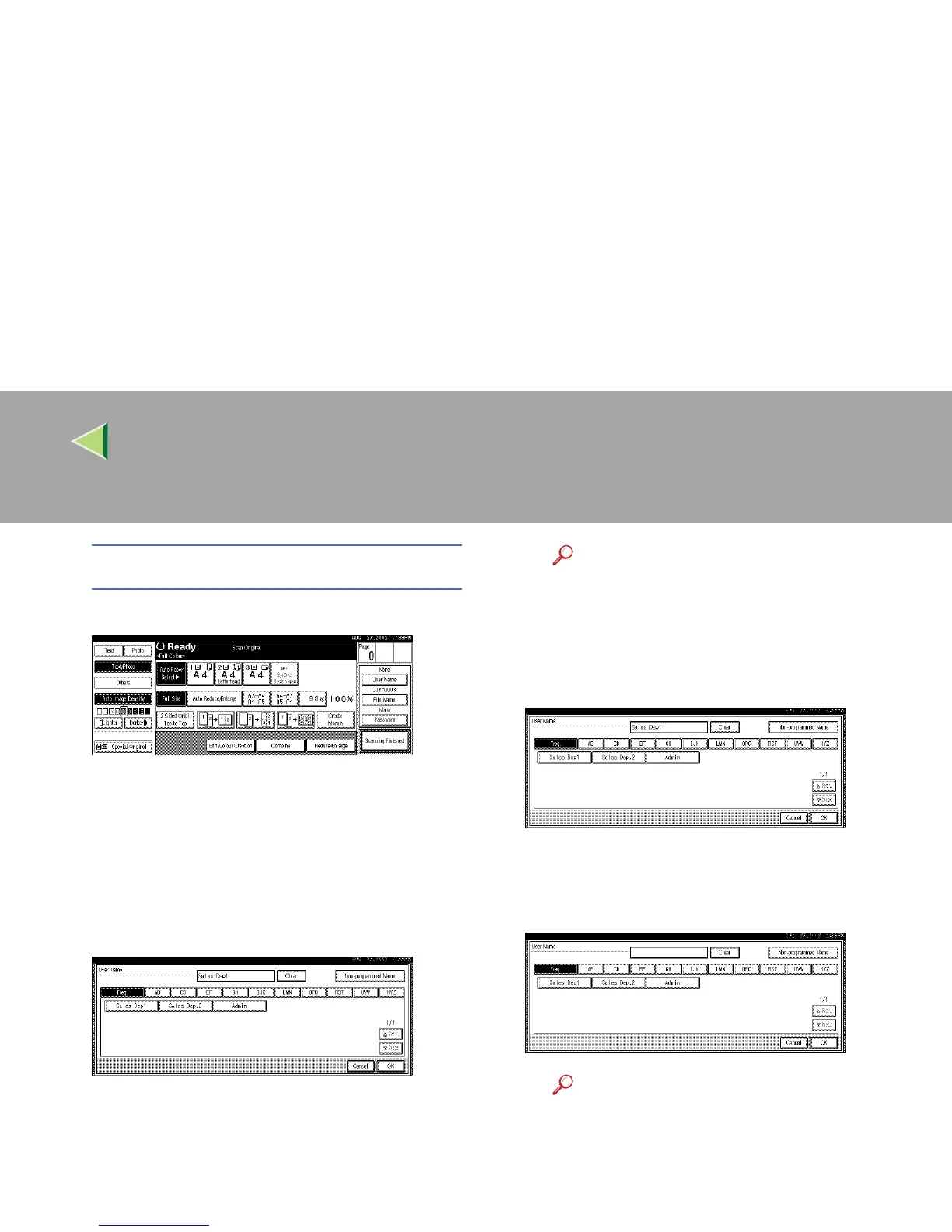
To register or change the user name
A Press [User Name].
If user names have already been regis-
tered, the "Change User Name" display
appears. If user names have not been reg-
istered, go to step C.
B To change your user name to a regis-
tered user name, select a registered user
name from the list, and then press [OK].
This has changed to the User Name that
has been set.
To change your user name to an unregis-
tered user name, go to the next step.
Reference
For more information about how to reg-
ister users, see p.128 “To Register the
New User Code”.
C To enter an unregistered user name,
press [Non-programmed Name].
The screen used to enter the user name ap-
pears.
D Enter the new user name.
Reference
For more information about how to en-
ter characters, see p.149 “Entering
Text”.
E Press [OK].



 To Next Page