Operating Instructions Administrator Reference 2
74
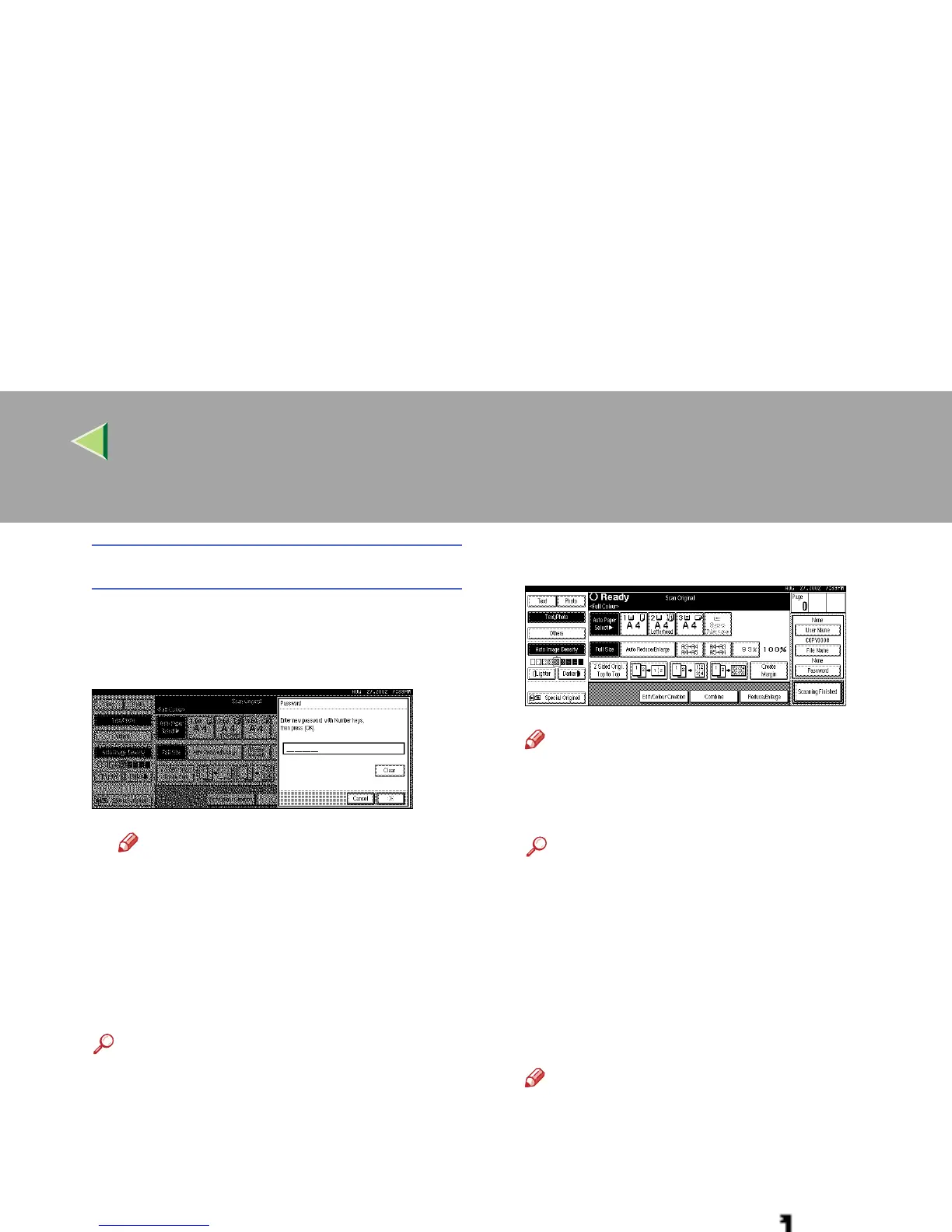
To set or change the password
A Press [Password].
B Enter the password using the number
keys (4 digits).
Note
❒ To change the number entered, press
[Clear] or the {
{{
{Clear/Stop}
}}
} key and enter
a new number.
C Press [OK] or the {
{{
{#}
}}
} key.
D
DD
D
Place your originals either on the exposure
glass or in the document feeder.
Reference
For more information about how to place
the types of originals that can be placed,
see the Copier Reference.
E
EE
E
Make any desired settings.
Note
❒ Press [
Scanning Finished
] to cancel the file
name, password, or print settings and re-
turn to the “Select Files to Print” display.
Reference
For details, see the explanations of each
function in this manual.
F
FF
F
Press the {
{{
{Start}
}}
} key.
The machine starts scanning, and the docu-
ment will be saved in the Document Server.
The saved documents are displayed on the
“Select Files to Print” display.
Note
❒ To stop scanning, press the
{
{{
{
Clear/Stop
}
}}
}
key.
❒ To resume the paused scanning job, press
[Resume] in the confirmation dialog box. To
delete the saved images and cancel the
job, press [Cancel].
❒ When a password is stored, appears on
the left side of the file name.



 To Next Page