Operating Instructions Administrator Reference 2
75
G
GG
G
Press [Scanning Finished].
To change the file name, user name,
or password
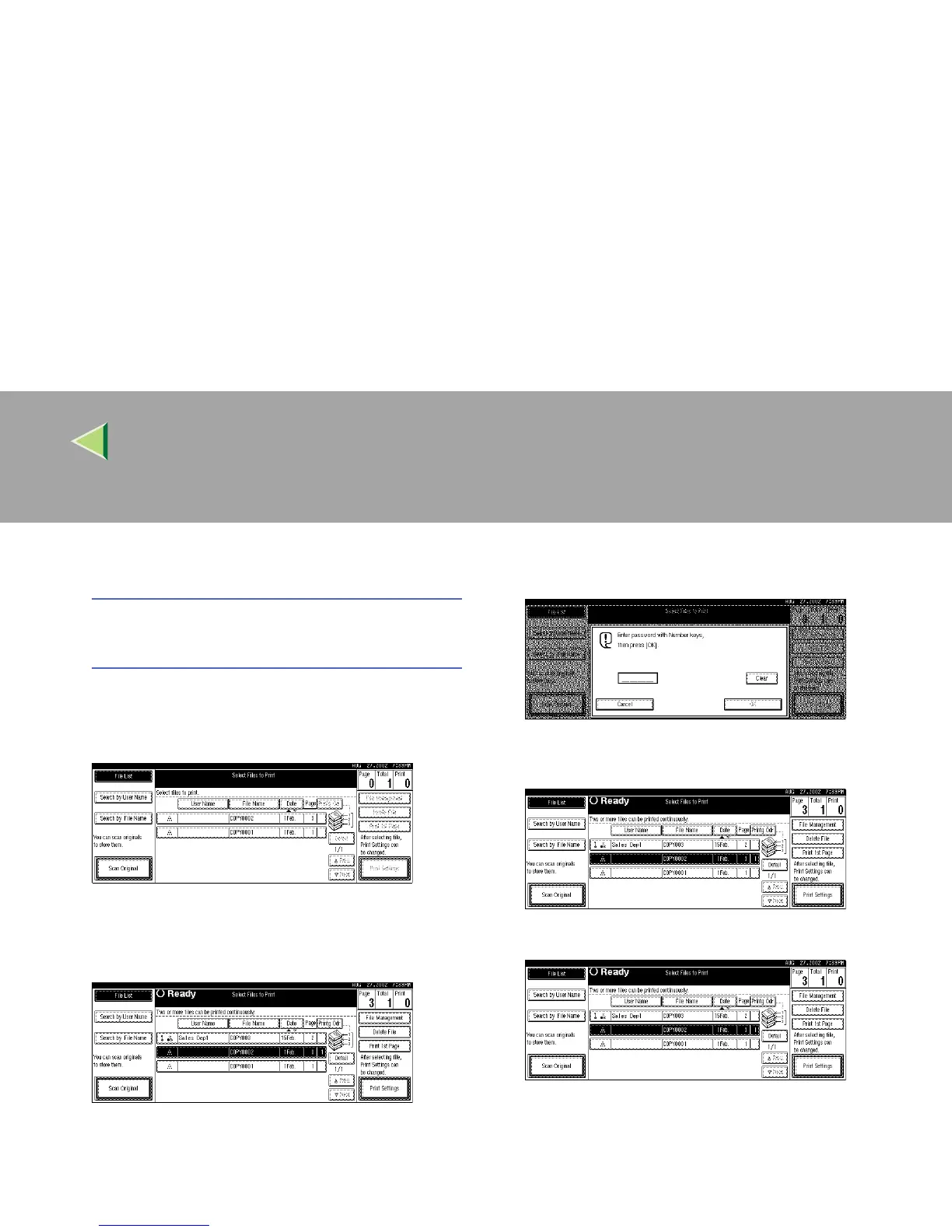
A Select the document for which the user
name, file name, or password is to be
changed.
• If no password is set for the document,
the line for the selected document is
highlighted.
• If a password has already been set for
the document, the password entry dia-
log box appears.
Enter the password, and then press
[OK].
The line for the selected document is
highlighted.
B Press [File Management].



 To Next Page