Operating Instructions Administrator Reference 2
76
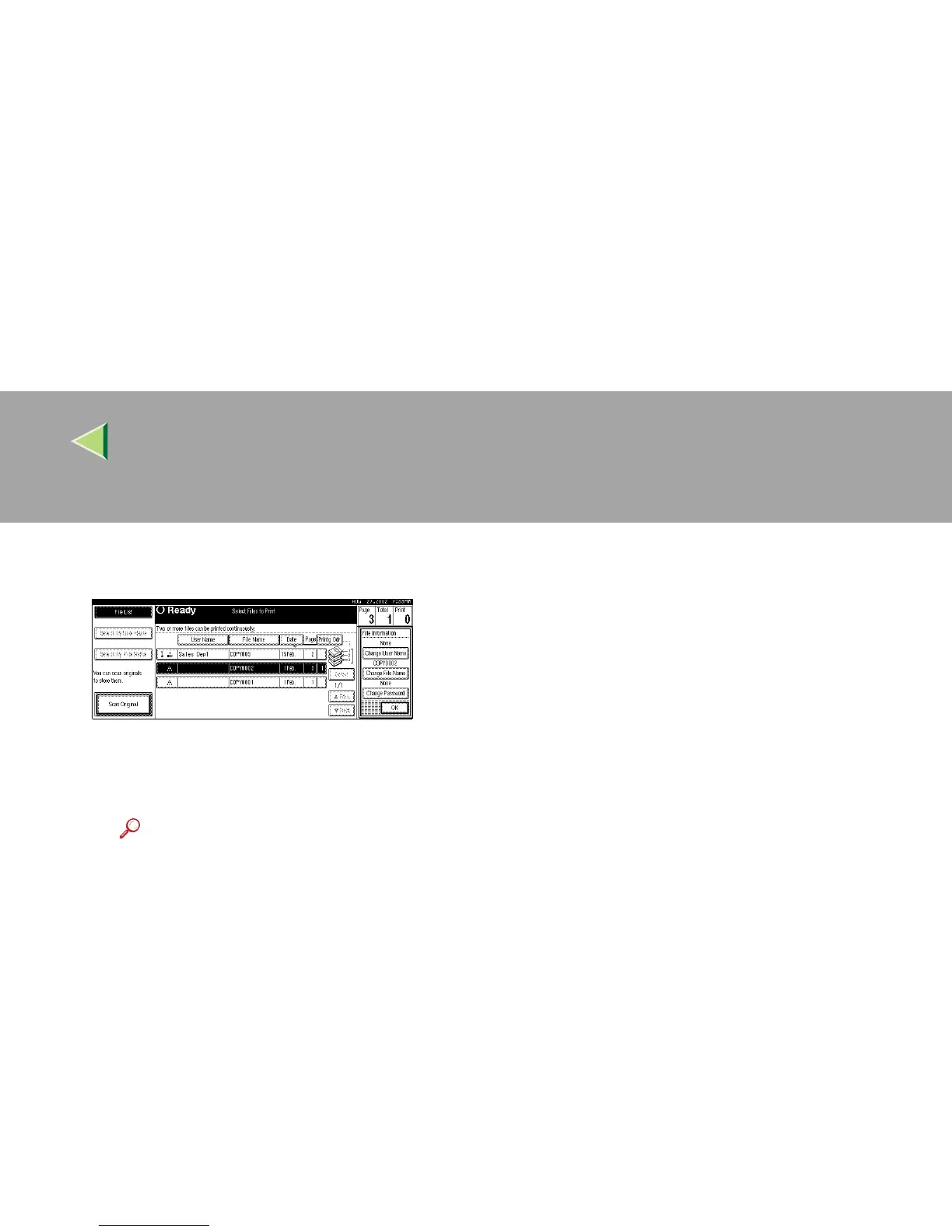
C Press [Change File Name], [Change User
Name], or [Change Password].
D Enter the new file name, user name, or
password using the letter keys or
number keys, and then press [OK].
Reference
For more information about changing
the file name, see p.72 “To change the
file name”.
For more information about changing
the user name, see p.73 “To register or
change the user name”.
For more information about changing
the password, see p.74 “To set or
change the password”.
E Press [OK].



 To Next Page