Getting Started
24
2
Network Settings
The following describes the settings required to use the machine in a network.
For more information about the settings, see "Interface Settings/Network" in Ad-
ministrator Reference 2 Copier System Edition.
A
AA
A
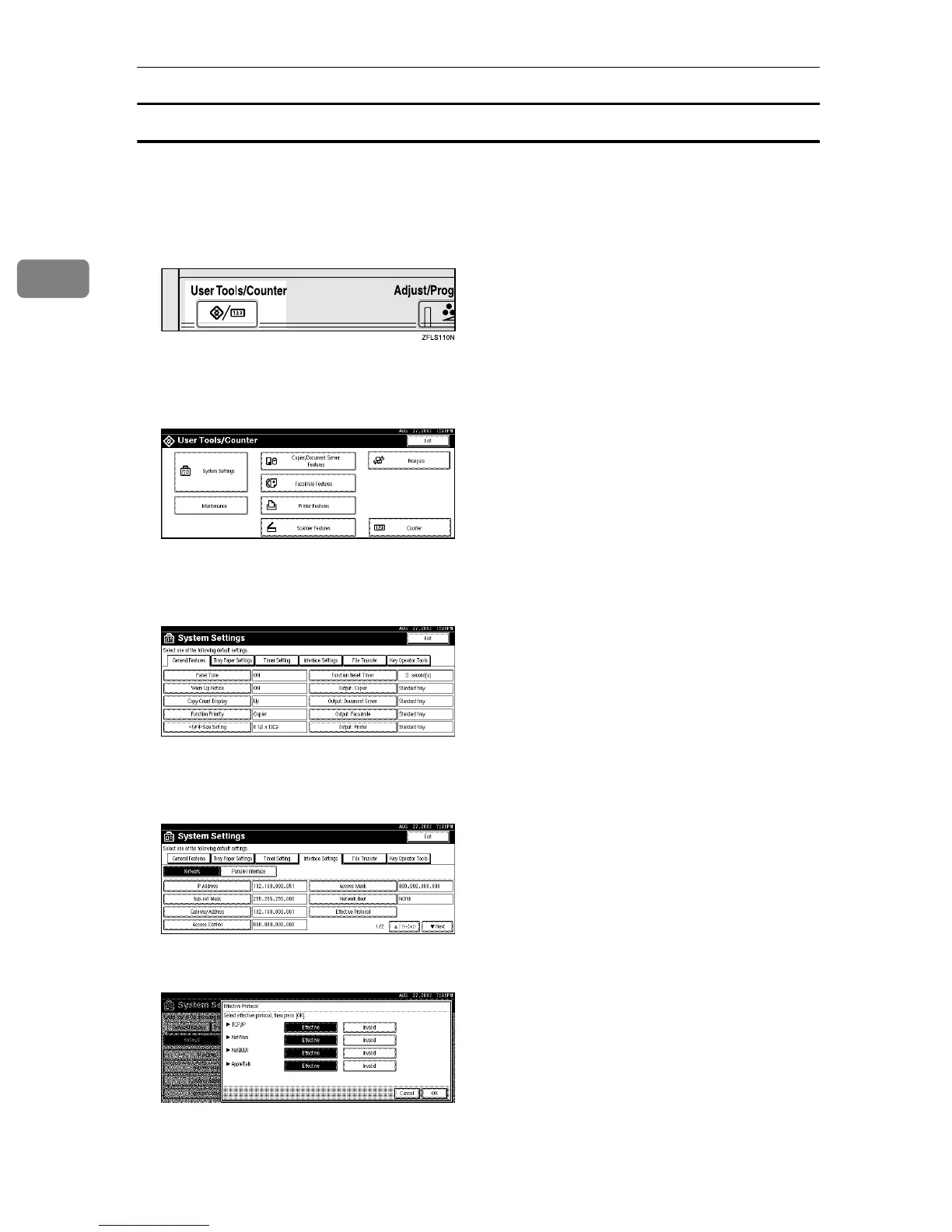
Press the {
{{
{User Tools/Counter}
}}
} key.
“User Tools/Counter” appears.
B
BB
B
Press [System Settings].
C
CC
C
Press [Interface Settings].
The following screen appears on the panel display.
D
DD
D
Make sure that [Network] is selected.
The following screen appears on the panel display.
E
EE
E
Press [Effective Protocol].



 To Next Page