Addendum for Printer Client Reference
19
D
DD
D
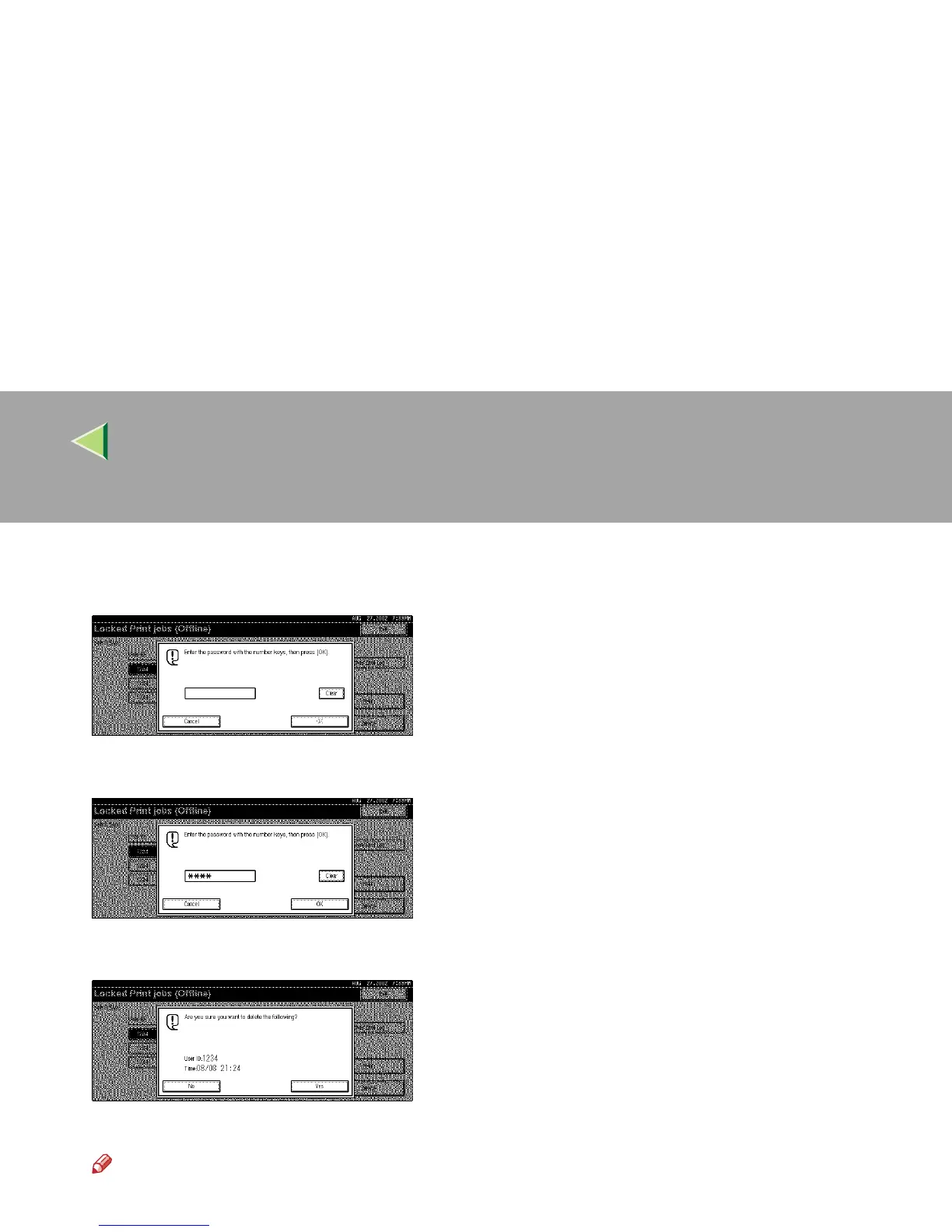
Press [Delete].
The display for entering a password appears.
E
EE
E
Enter a password using the number keys, and then press [OK].
F
FF
F
Press [Yes].
The document is deleted from the optional Hard Disk Drive.
Note
❒ To cancel deletion, press [No].
G
GG
G
Press [Exit].



 To Next Page