Operating InstructionsFacsimile Reference (option) <Advanced Features>
282
C
CC
C
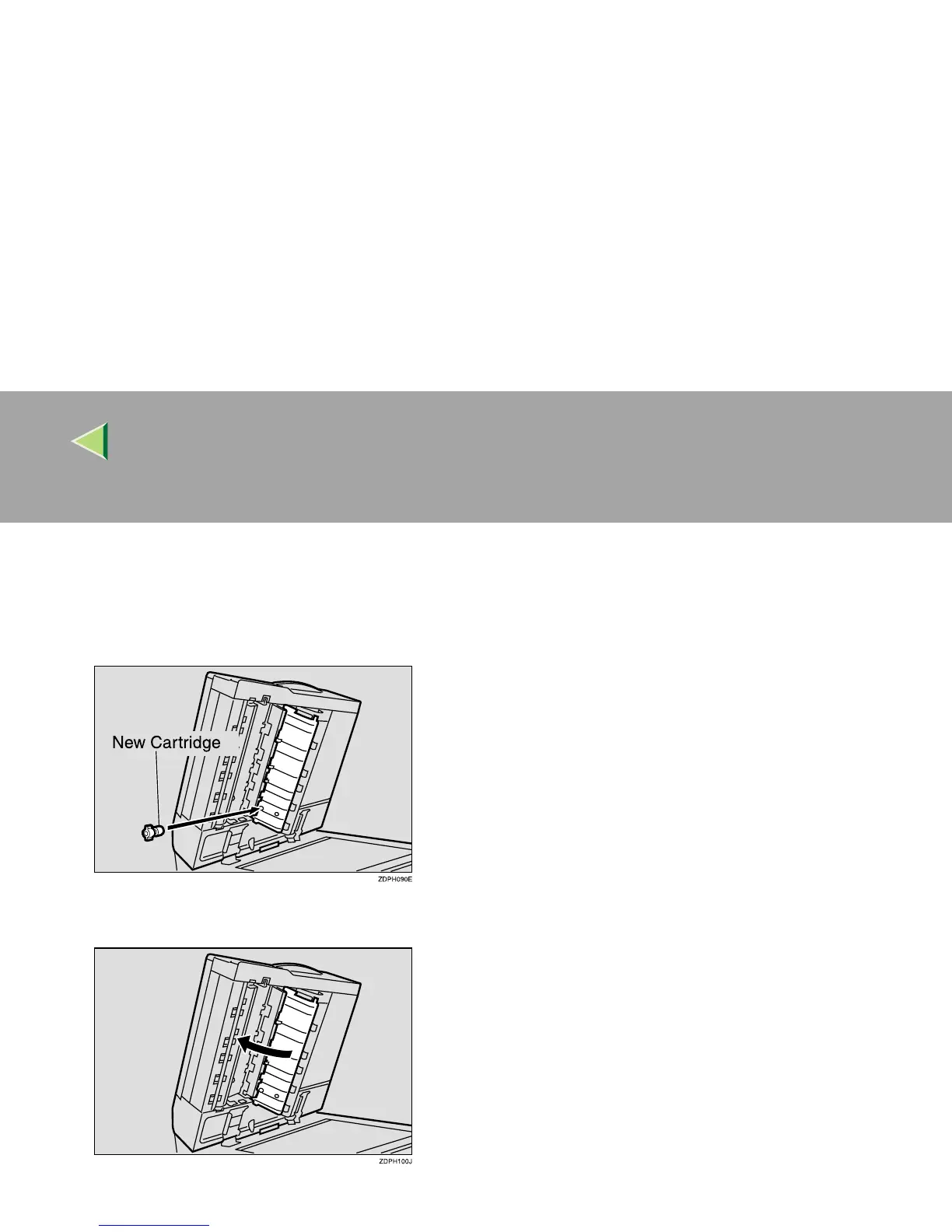
Set a new cartridge while holding down the
lock lever.
Insert the cartridge until its metal parts are not
visible.
D
DD
D
Replace the stamp cover until it clicks.
E
EE
E
Close the optional Document Feeder (ADF)
and the optional exposure glass cover.



 To Next Page