Operating Instructions Administrator Reference 2
80
Stopping printing
You can stop printing in progress.
A
AA
A
Press the {
{{
{Clear/Stop}
}}
} key.
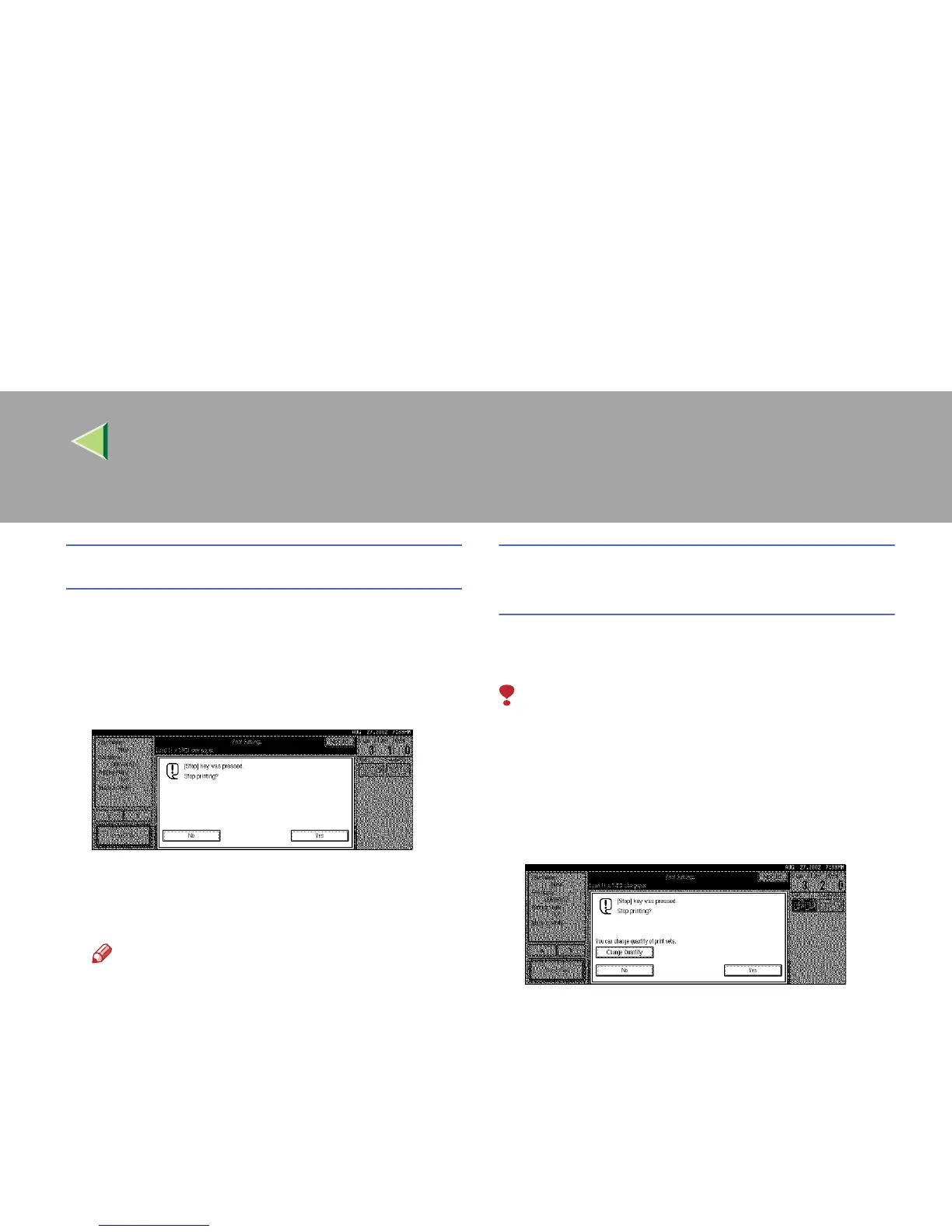
The following confirmation dialog box ap-
pears.
B
BB
B
Press [Yes].
The printing operation stops.
Note
❒ To cancel printing from being stopped,
press [
Print
] in the confirmation dialog box.
Printing then continues for the remaining
part of the document.
Changing the number of copies during
printing
You can change the number of copies during
printing.
Limitation
❒ The number of copies can only be changed
with the Sort function selected in the print set-
tings.
A
AA
A
Press {
{{
{Clear/Stop}
}}
}.
The following dialog box appears.
B
BB
B
Press [Change Set Qty.].



 To Next Page