Replacing Consumables and Maintenance Kit
26
1
G
GG
G
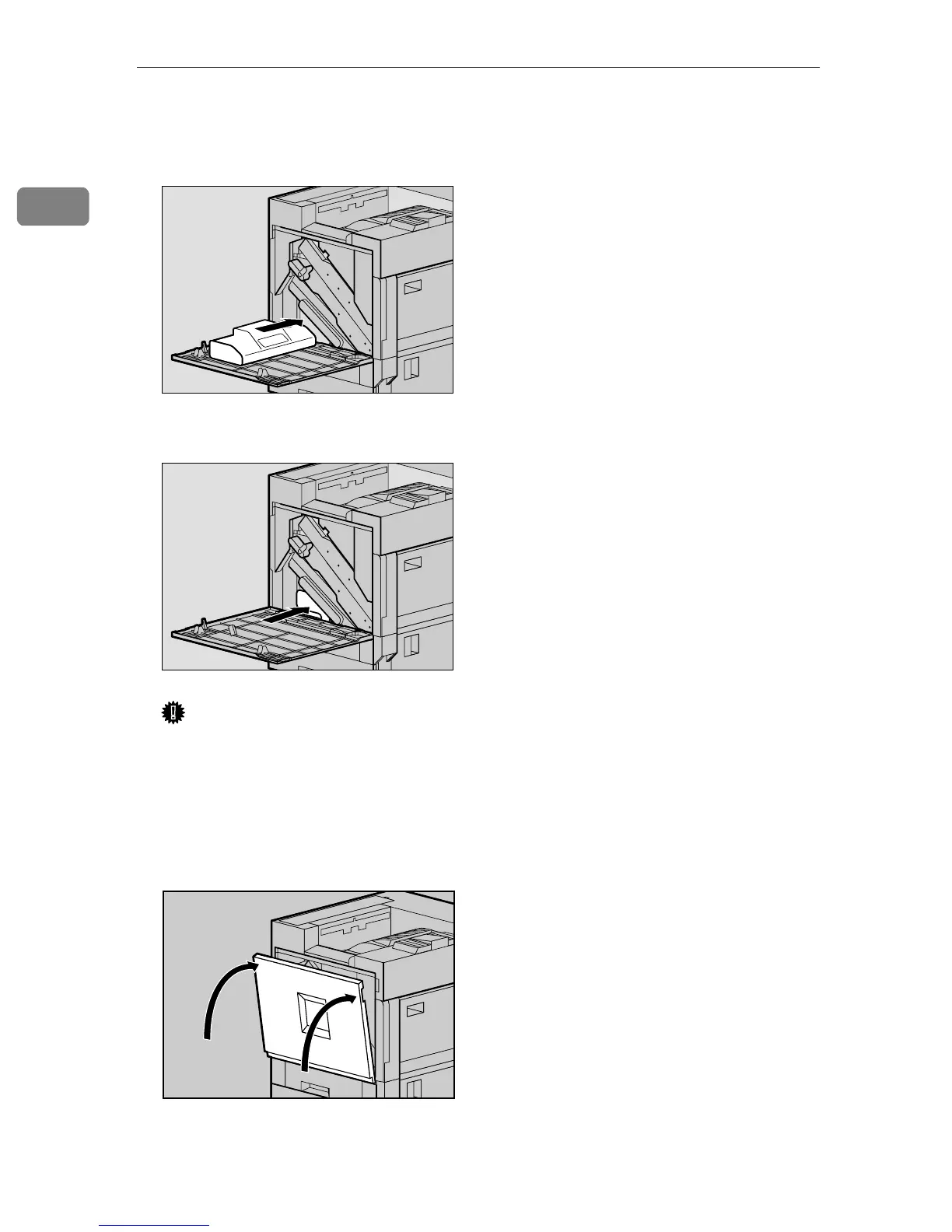
Insert the new used toner bottle
in the position shown in the illus-
tration.
H
HH
H
Push it in until it stops.
Important
❒ Be sure to insert the used toner
bottle firmly to avoid toner
leaking inside the printer.
I
II
I
Close the front cover slowly by
pushing the two areas on the left
and right.
J
JJ
J
Plug in the power cable and turn
on the power switch.
ZDJH230J
ZDJH231J
ZDJH041J



 To Next Page