Operating InstructionsFacsimile Reference (option) <Advanced Features>
43
C
CC
C
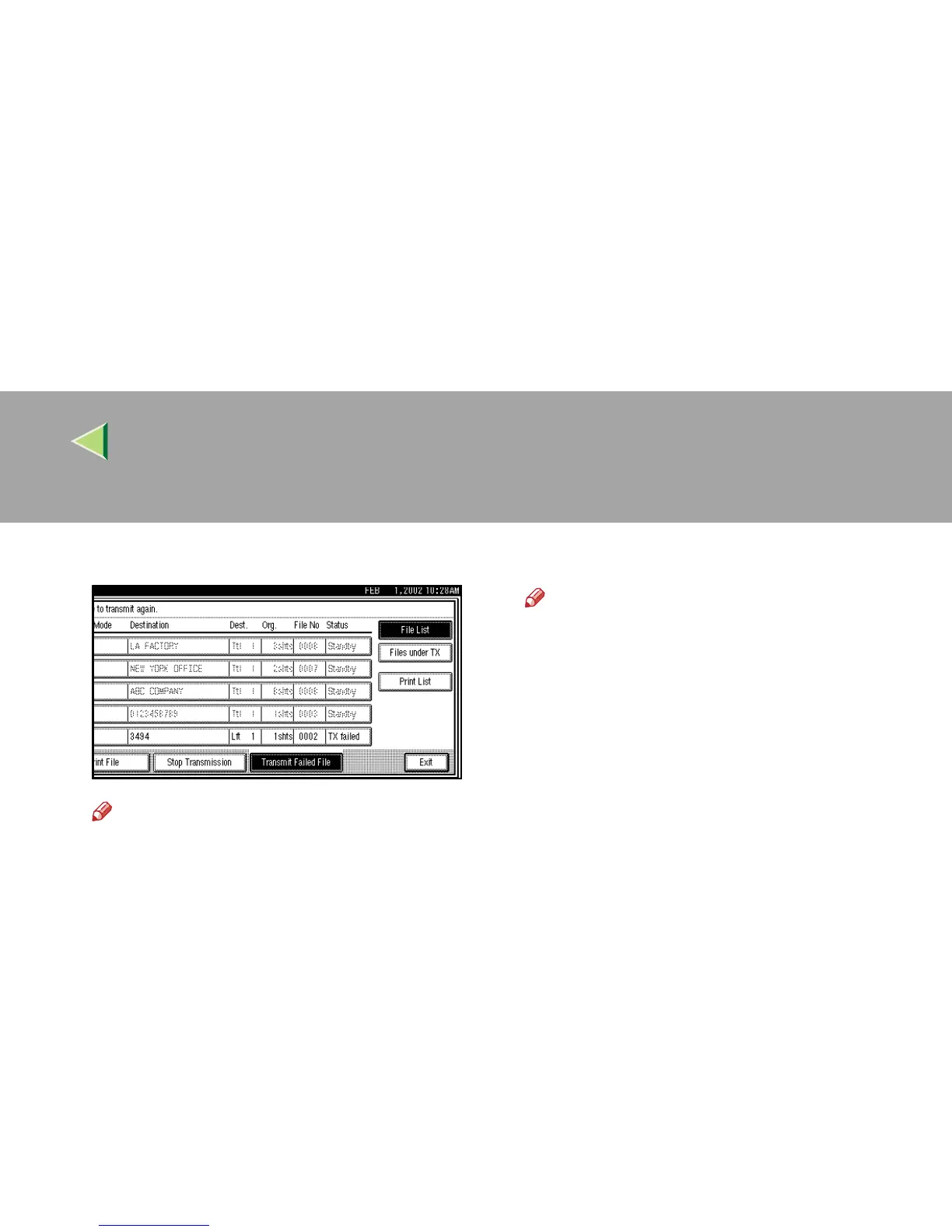
Select a file you want to resend.
Note
❒ “TX failed” is displayed for files that could
not be sent.
❒ If a desired file is not shown, press [U
UU
U
Prev.
] or [T
TT
T Next
].
❒ If there are multiple destinations for a file,
only the destination selected first is dis-
played.
❒ If there are multiple destinations for a file,
only the number of destinations that have
not been sent the file are displayed.
D
DD
D
Press [OK].
Note
❒ To add destinations, press [
Add
] and spec-
ify the destinations.
❒ To cancel transmissions, press [
Cancel
].
The display will return to step
C
.
❒ Repeat from step
C
to resend another file.
E
EE
E
Press [Exit].
The initial display is shown.
Transmission starts.



 To Next Page