Operating Instructions Maintenance Guide 2 Copier System Edition
82
C
CC
C
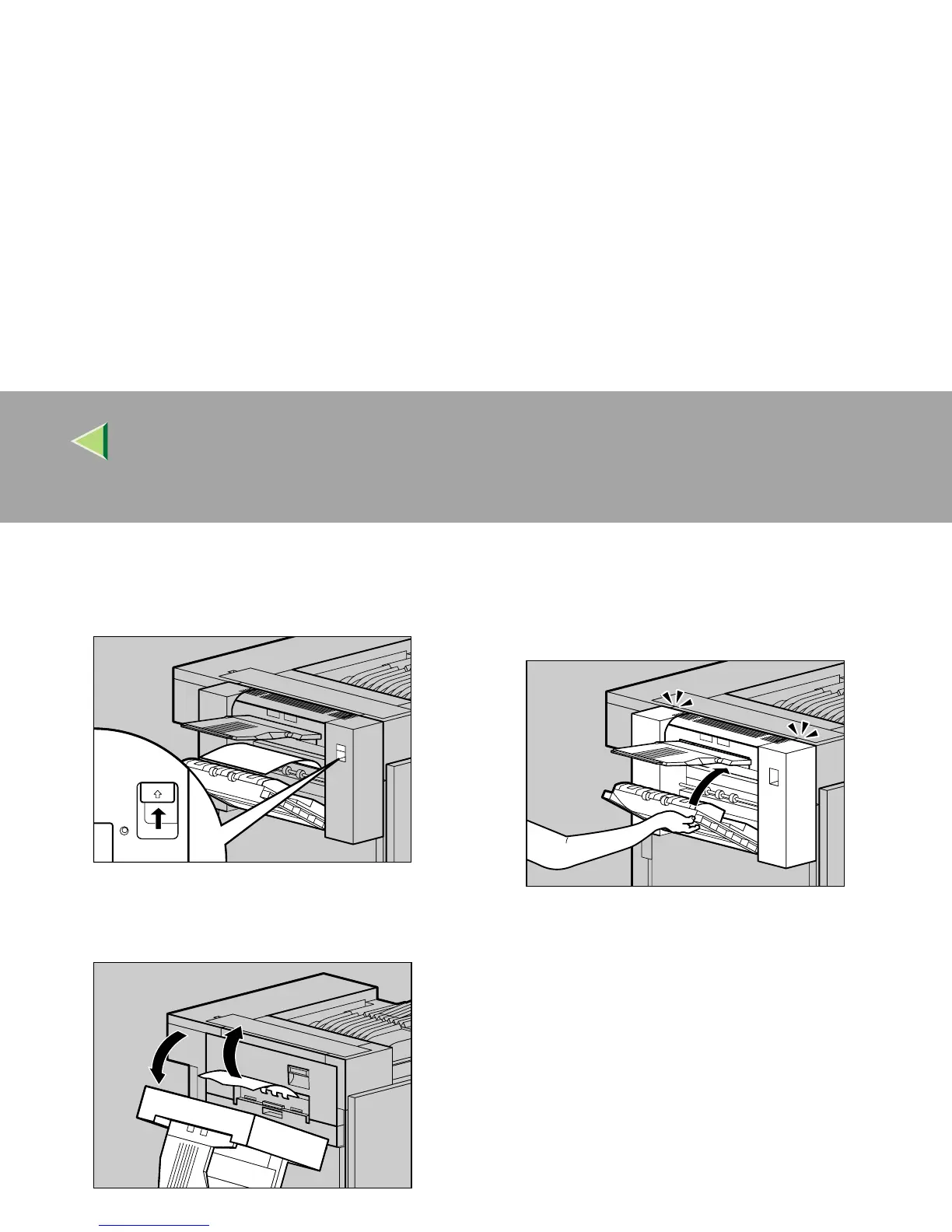
Push up the lock release button for the Du-
plex Reversal Unit, and then hold it in
place.
D
DD
D
Lower the Duplex Reversal Unit slowly un-
til it stops, and remove the misfed paper.
E
EE
E
Raise the Duplex Reversal Unit slowly and
insert until it clicks into place. Raise the left
cover, and close it securely by pushing the
area labeled "PUSH".
ZDJY211J
ZDJY212J
ZDJH207J



 To Next Page