Operating Instructions Copy Reference <Advanced Features>
61
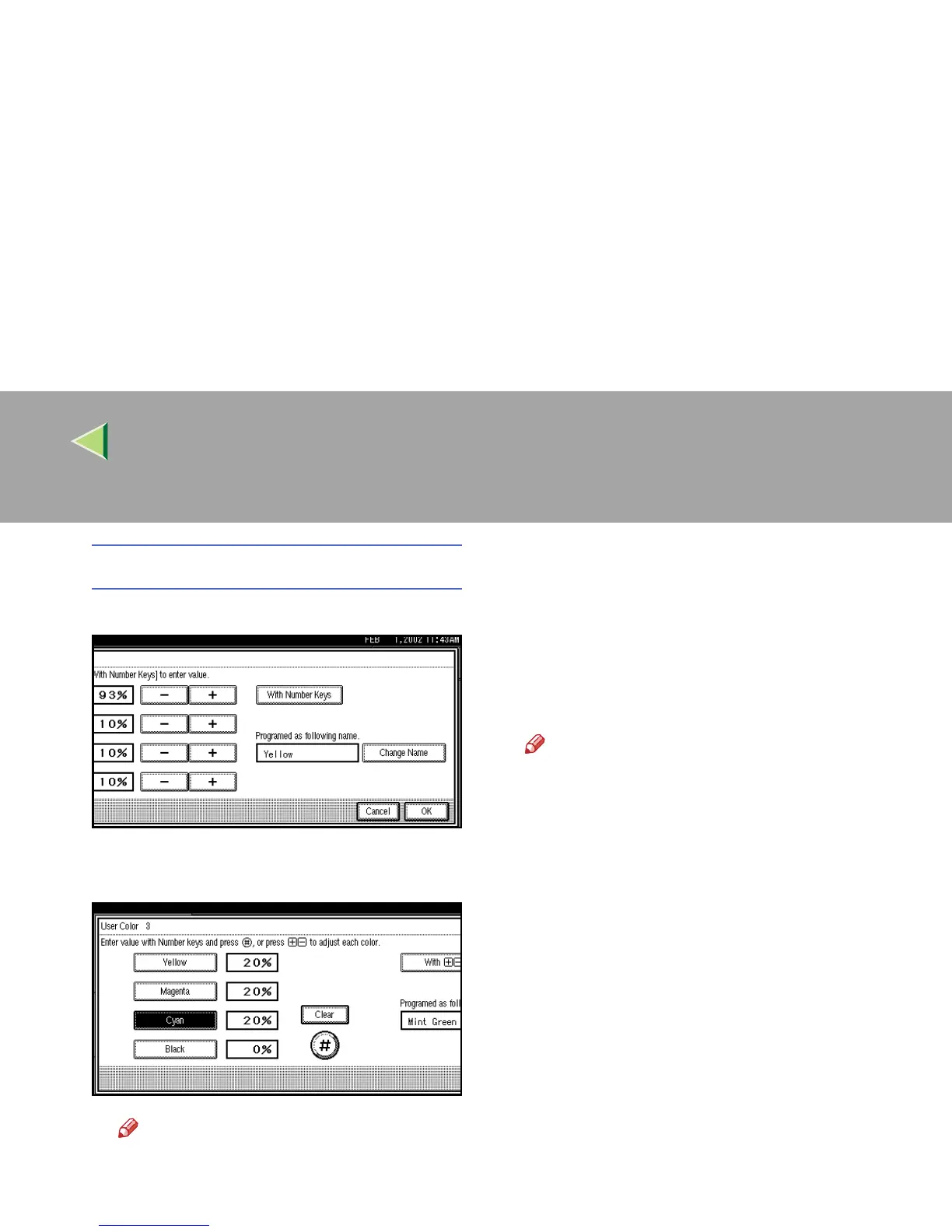
Using [With Number Keys]
A Press [With Number Keys].
B Enter the density in percentages (%) us-
ing the number keys, and then press [#].
Note
❒ If you want to use [n
nn
n] or [o
oo
o], press
[With n
nn
n o
oo
o].
❒ To change the density entered, press
[Clear] or the {
{{
{Clear/Stop}
}}
} key, and then
enter the correct density.
❒ Repeat step B if you want to specify
the density of multiple colors.
G
GG
G
Check densities and names of each color,
and then press [OK].
Note
❒ If you want to rename colors, press
[Change Name] and enter a color name of
up to 16 characters. After entering the col-
or name, press [OK]. ⇒ “Entering Text”,
Administrator Reference 2 Copier System
Edition
H
HH
H
Press [Exit].



 To Next Page