Operating Instructions Scanner Reference
61
1-sided original/2-sided original
selection
A
AA
A When scanning one-sided original,
make sure that [2 Sided Original] is not
highlighted.
B
BB
B When scanning two-sided original,
press [2 Sided Original] to select [T to T] or
[T to B] according to the binding orienta-
tion of the original.
Orientation selection
A
AA
A Press the key for the same orientation as
the actual orientation of the original (
or ).
Mixed size selection
A
AA
A When originals of different size are
placed, make sure that [Mixed size] is
highlighted.
Note
❒ If [
Mixed size
] is not set, the scan size is
set as the maximum size and a space
is provided on the small original.
C
CC
C
Press [OK].
Note
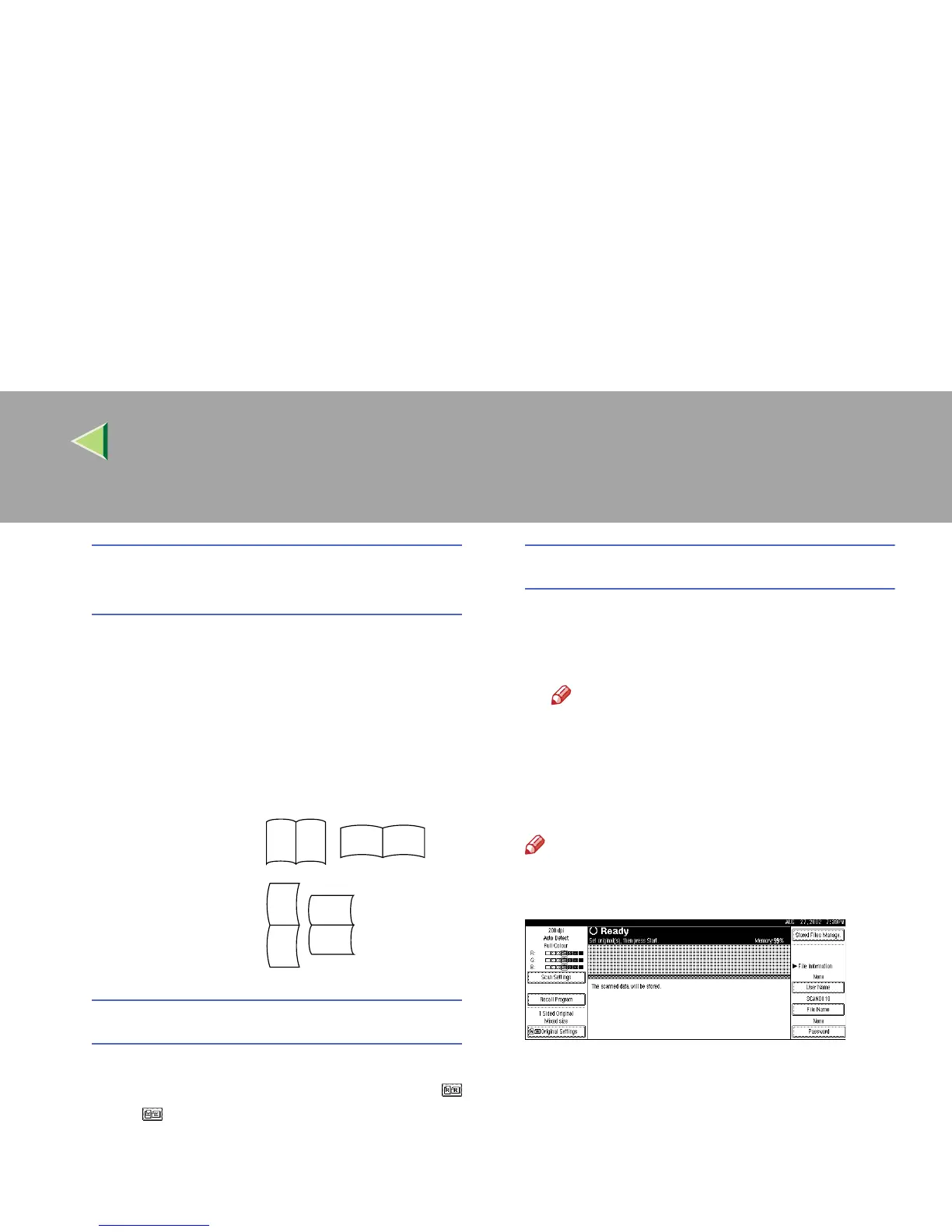
❒ The current settings are displayed with
characters and icons.
Top to top origi-
nal:
Top to bottom
original:
RS
RS
R
S
S
R



 To Next Page